


You see many videos about upload movies and dramas and earn money. Most of those videos are not good, and they are not authentic. They tell you upload it here, upload it there, and you will earn. They do not tell you the real system, they do not tell you the legal part, and they do not tell you why most people get a strike, get rejected by AdSense, or earn nothing.
Today I am going to share the proper system with you, in full sequence, step by step. Not common things like upload it here and there. A full system, from a free Blogspot website, to a legal video, to a clip, to a reel, to traffic, to ads, to money.
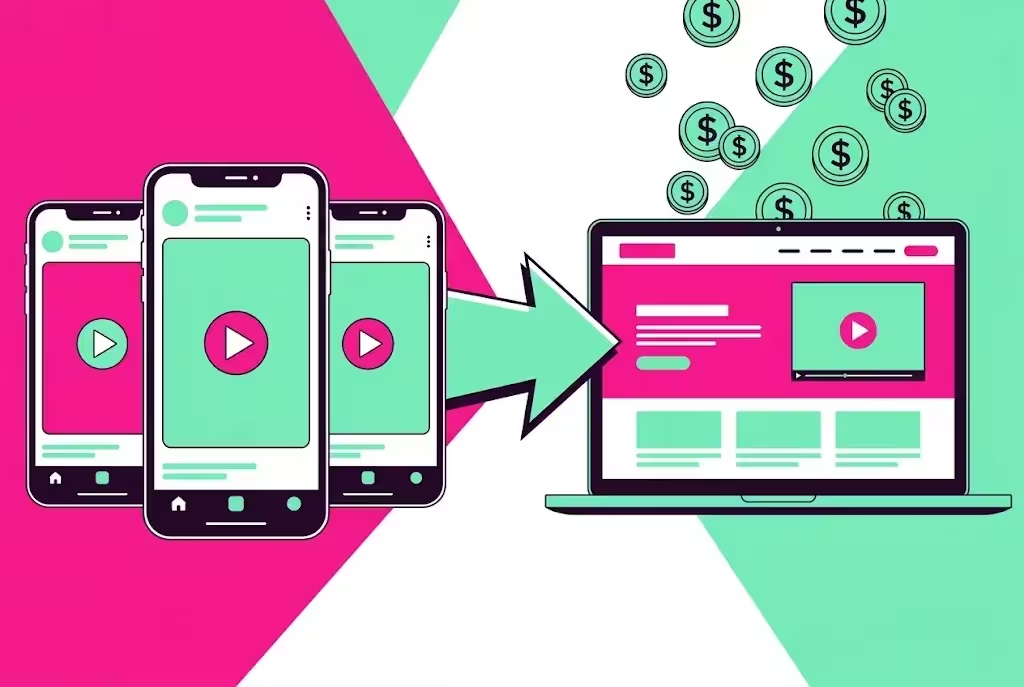
Here is the idea in one line. You make a Blogspot website on Blogger. You write a real post about a movie, drama, web series, or podcast. You connect the video in a legal way, with the YouTube iframe, not by downloading it. You add Adsterra ads on that website. Then you make short clips from the video, you post those clips as reels and shorts on social media, and you put your website link in your bio and in the first comment. People see the reel, they want to watch the full show, they go to your website, they watch the video, they see the ads, and you earn money.
All figures in this guide are before tax. Traffic and income are not fixed, and no one can promise you a fixed amount. Your result depends on your niche, your content, your country, and how much work you do.
Read this first: the legal part, in simple words
Do not think this is copied content, or that you are stealing someone else work. Let me clear it for you, in simple words.
You do not download the content and claim it is yours. You cannot fully deploy a 2 to 4 hour movie or drama on your Blogspot, and you should not try. You simply connect it in a legal way, like YouTube legally gives you the iframe option.
When a YouTube owner leaves Allow Embedding on, YouTube lets other websites show that video through the iframe player. The video still plays from YouTube servers. You do not host the file. The real owner still earns money from the YouTube ads inside that video, and the owner also gets free promotion and free views from your website and from your reels.
That gives 2 advantages. Advantage 1 is for you, you get traffic and ad income from your own website, around your own post. Advantage 2 is for the real owner, the owner gets more views, more promotion, and more YouTube income, without doing any extra work.
But there are 2 clear limits, and you must follow them.
Limit 1: only embed a video when the owner left Allow Embedding on. If the embed option is off, if the video says Video unavailable when you embed it, or if the owner deleted it, do not use it. Pick another video.
Limit 2: your page must not be only a video. A site that does nothing more than collect embedded videos to make ad money can lose AdSense, and YouTube can enforce its terms against it. Your page must have real original text from you, a story summary, a cast list, an episode guide, a review, or a clear explanation. The video is a part of the post, not the whole post.
One more clear warning, about clips. A 2 to 3 second intro, an outro, or a small effect does not make a re uploaded movie or drama clip safe. The owner can still report it, and Instagram, TikTok, Facebook, or YouTube can remove it or strike your account. Only clip videos you own, videos you have written permission for, or videos that are public domain or Creative Commons. For other movies and dramas, use the embed on your website, and use a clip only if you have permission. That is the honest rule, and I will repeat it in the clip part below, because this is where most beginners lose their account.

Step 1: Make a Blogspot website on Blogger
Blogger is free, and it is owned by Google. You do not need hosting, and you do not need to buy a domain to start. That is why it is best for beginners.
- Go to blogger.com and sign in with your Google account.
- Click Create New Blog, pick a name, pick a web address, and pick a theme. Use a simple name that tells people what your site is about, for example Best Pakistani Dramas, or Top Movies and Web Series.
- Pick a clean theme, white background, easy to read text, and a clear menu. Do not pick a dark, messy theme with pop ups everywhere.
- Make 4 pages first, before you publish any movie post: About, Contact, Privacy Policy, and Disclaimer. Adsterra and AdSense both want these pages, and readers trust a site that has them.
- Go to Settings, and set your blog description, your language, and your search description. Write 1 to 2 lines in simple words, like Watch best movies, dramas, and web series, with story, cast, and episodes.
- Connect Google Search Console, so Google can find your posts. This is free, and it takes 5 minutes.
Do not publish 20 movie posts on day one. Publish 5 to 10 good posts first, with real text, then add ads. A thin site with no real content will not earn, and it will not get approved.
Step 2: Pick one niche, not all movies
Do not make a site about all movies, all dramas, all web series, and all podcasts. That is too broad, and Google will not know what your site is about.
Pick one niche, and stick to it for at least 30 days. For example:
- Pakistani dramas, episode wise
- Turkish dramas in Urdu, episode wise
- Best web series, season wise
- Best movies, by genre, like action, comedy, or horror
- Best podcasts, by topic, like business, or motivation
Pick the niche you already watch, and you already know. If you watch Pakistani dramas every day, pick that. If you watch web series, pick that. Your own knowledge makes your post better, and your post will be different from a copied post.
For each post, pick one show, one movie, or one episode. One post, one video, one clear topic. That is the rule for the whole system.
Step 3: Find a legal video and embed it with iframe
This is the most important step. Do it the right way, every time.
- Go to YouTube, and search for the official channel of that movie, drama, or show. Use the official channel, not a random re upload channel.
- Open the video, click Share, and see if Embed is there. If Embed is there, the owner left Allow Embedding on, and you can use it.
- Click Embed, copy the iframe code. It starts with iframe, and it has a YouTube link inside it.
- Go to Blogger, open your post, switch to HTML view, and paste that iframe code where you want the video to show.
- Save the post as a draft, open the preview, and play the video. If it plays, it is good. If it says Video unavailable, the owner turned embedding off, or the video is blocked in your country. Do not use it, pick another video.
- Under the video, write 1 line in your own words, like Video by the official channel, embedded from YouTube. That line tells the reader, and Google, that you are not claiming the video as yours.
Do not download the video, do not upload it to Blogger, do not upload it to another host, and do not claim it is yours. The iframe is the legal connection. That is the whole point of this system.
Check your old posts once a month. If a video is deleted, or embedding is turned off, replace it with another legal video, or remove the post. A page with a dead video looks bad, and readers will leave.
Step 4: Write a real post, not just a video
This is what makes your site different from a copied site, and what makes AdSense possible later.
For each movie, drama, or web series post, write these parts in your own words, in easy English:
- Story in simple words: 5 to 8 lines, what happens, who is the main character, and why people should watch it. Do not copy the story from another site.
- Cast: main actors, and the role they play. 5 to 8 names is enough.
- Episode or season guide: how many episodes, what happens in each episode, in 1 to 2 lines per episode. For a movie, write the main parts, start, middle, and end, without spoiling the full ending.
- Your honest review: what is good, what is slow, who should watch it, and who should skip it. A real opinion makes your post unique.
- Where to watch: the official YouTube channel, or the official app, with the name only. Do not link to a pirated site.
- FAQs: 3 to 5 questions people ask, like how many episodes, who is the hero, and is season 2 coming.
Write 800 to 1,500 words per post. That is enough to be useful, and it is enough for Google to understand your post. Use a clear title, use headings, and use simple words. A weak English reader should understand it very easily.
Use the movie or drama name in your title, in your first paragraph, and in 1 or 2 headings. Do not repeat the name 20 times, that is keyword stuffing, and Google does not like it.
Step 5: Add Adsterra, so ads start running on your website
Adsterra is an ad network, and it is easier to start with than AdSense. You do not need a custom domain to start, and the approval is faster for new sites. That is why we use Adsterra first.
- Go to Adsterra, create a free account as a publisher, with your real email and real name.
- Add your Blogspot site, with your full site address, like yoursite.blogspot.com. Adsterra will check your site, so make sure your About, Contact, Privacy, and Disclaimer pages are live first.
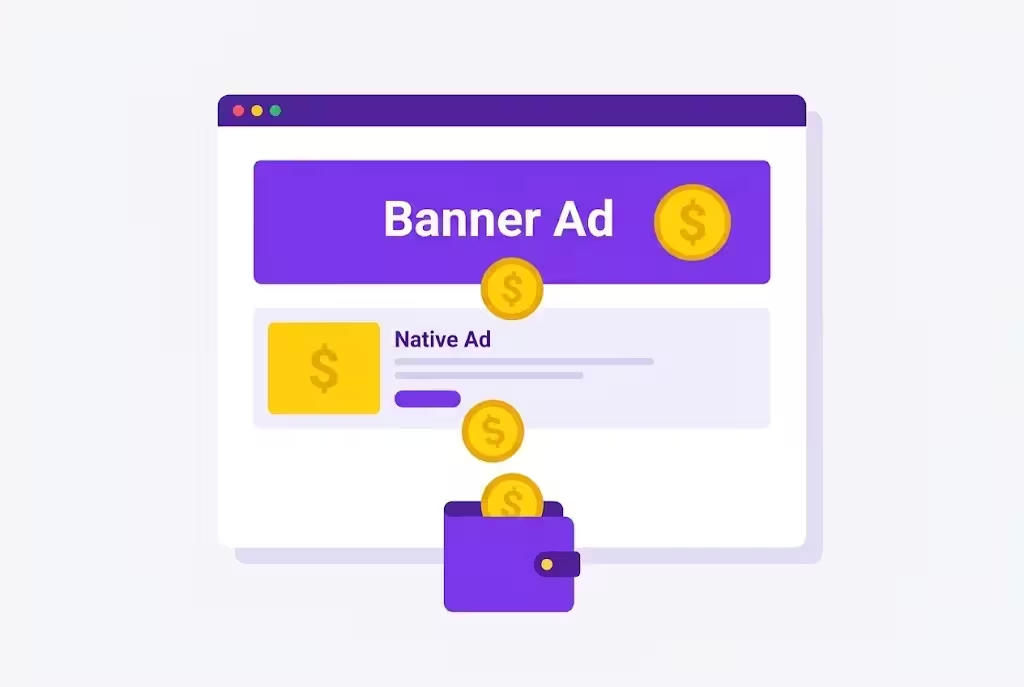
- After approval, pick an ad type. For a beginner, start with 2 types only: a banner ad, and a native ad. Do not add 5 ad types on day one, your site will look like a spam site, and readers will leave.
- Copy the ad code from Adsterra, go to Blogger, go to Theme, then Customize, or go to Layout, add a HTML gadget, and paste the code where you want the ad to show. Put one ad at the top of the post, and one ad in the middle of the post, not 10 ads.
- Save, open your post, and check the ad shows. If it does not show in 10 minutes, wait 1 hour, then check again. Adsterra ads can take some time to start.
How you earn: when a reader visits your post, and sees the ad, or clicks the ad, Adsterra pays you. The amount is not fixed. It depends on your traffic, your country, and the ad type. Traffic from the USA, UK, Canada, and Australia usually pays more than traffic from other countries. Do not click your own ads, and do not ask friends to click your ads. Adsterra can ban your account for fake clicks.
Adsterra vs AdSense, in simple words
| Point | Adsterra | Google AdSense |
|---|---|---|
| Start | Easier, faster approval, works on Blogspot | Stricter, needs original content and enough pages |
| Ad types | Banner, native, popunder, and more | Display ads, in feed ads, and more |
| Pay | Depends on traffic and country, not fixed | Depends on traffic and country, not fixed |
| Best for | Start now, earn from day one | Later, when your site is strong and original |
Use Adsterra first, build 20 to 30 good posts, get real traffic from reels, then apply for AdSense. For AdSense approval, read this guide first: How to Get Google AdSense Approval in 2027
That guide is here: https://micronirala.com/blogging-adsense-affiliate/how-to-get-google-adsense-approval-2027
Do not put Adsterra and AdSense on the same page on day one, with too many ads. Too many ads make your site slow, and readers leave. Start with 2 ads per post, then test 3 ads later, when you have real traffic.
Step 6: Make multiple clips with FuseClip
Now you need clips, because clips bring traffic from social media to your website. Do not cut by hand for 2 hours. Use a tool.
FuseClip is here: https://amfaiz.com/products/fuseclip
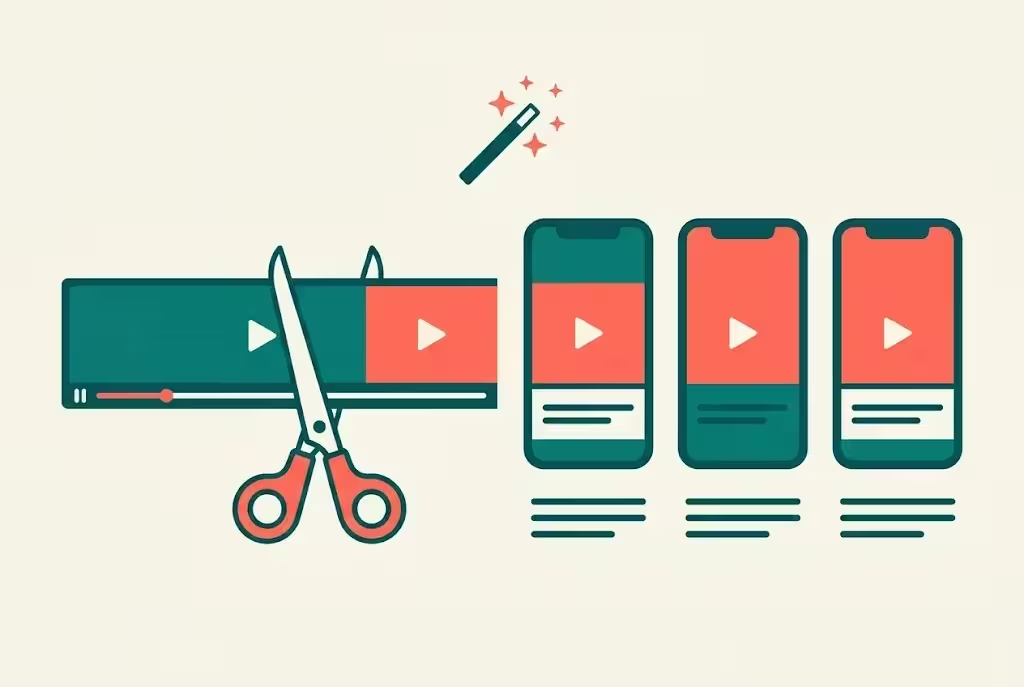
What is FuseClip? It is a free desktop app for macOS and Windows. You drop a long video file into it, and it turns that long video into short clips, with automatic word timed captions, and vertical or square reframing. That means a 1 hour video can become 5 to 10 short clips, in minutes, not hours.
What FuseClip has to do in this system:
- Find the best moments in a long video, like a funny scene, an emotional scene, or a twist.
- Cut those moments into short clips, 30 seconds to 1 minute each.
- Add captions, so people can read the clip even with sound off.
- Reframe the video to vertical 9:16, so it fits reels and shorts.
How to use it, step by step:
- Download FuseClip from the link above, and install it on your computer. It is desktop only, no mobile app.
- Open FuseClip, drop your long video file into it. Note: it works with a video file on your computer, not with a YouTube link. So use it only on a video file you own, or a video file you have permission to use.
- Wait for transcription, pick the best clips, and check the captions. Fix any wrong word, because a wrong caption looks bad.
- Export the clips in vertical 9:16, with captions on, and save them in a folder, 1 clip per file, with a clear name, like drama episode 5 best scene 1.
- Make 5 to 10 clips from one long video. Do not make 20 clips from one video, or they will all look the same.
FuseClip is free, and that is why it is better than OpusClip for a beginner. OpusClip free gives you 60 credits per month with a watermark, Starter is 15 dollars per month, Pro is 29 dollars per month. FuseClip has no server cost, because it runs on your own computer, so it is free. The maker claim of 6,000 dollars per month saved is their marketing claim, not a verified earning, so do not present it as your earning.
Test FuseClip on your own PC first, before you promise speed. Some users report slow transcription or crashes on a slow PC, so use a good PC, and close other apps while it works.
Step 7: Minor editing, beginner level, 2 to 3 seconds is enough
After FuseClip gives you the clips, do a small edit in CapCut. This is beginner level editing, you do not need to learn full video editing.
- Open CapCut, import your clip, and make it vertical 9:16, if it is not already vertical.
- Add a 2 to 3 second clip before the main clip. That can be a simple title card, with the show name and episode number, in big text. For example, Best Scene, Episode 5.
- Add a 2 to 3 second clip after the main clip. That can be a simple end card, with the words Watch Full Episode, Link in Bio.
- Add a small effect, 1 effect only. For example, a zoom in at the start, or a fade at the end. Do not add 5 effects, or the clip will look messy.
- Add captions, if FuseClip did not add them. Use big, bold, easy to read text, white text with a black background, or yellow text with a black background.
- Add music only if you have the right to use it. Use the music library inside Instagram, TikTok, or YouTube, not a downloaded song from another site.
- Export in 1080 by 1920, vertical, 30 seconds to 1 minute long. A clip longer than 90 seconds will not work well as a reel.
Now the honest warning again, because this is where most beginners make a mistake. A 2 to 3 second intro, an outro, and a small effect does not make a re uploaded movie or drama clip safe. It does not change the owner of the video. If you re upload a movie or drama clip without permission, the owner can report it, and your reel can be removed, your account can get a strike, and your account can be banned.
So use this editing step only on clips you own, clips you have written permission for, or clips that are public domain or Creative Commons. For other movies and dramas, the safe way is the embed on your website, not the re upload on social media. If you still want to post a clip of a popular drama, the safest way is to post a short review, or a reaction, with your own face and voice, and with only a very short part of the show, not the full scene. Even then, there is risk, so do not build your whole account on other people clips.
Step 8: Upload clips on social media, 1 reel per day
Now post your clips. Do not post 5 clips in one day, and then stop for a week. Post 1 reel per day, every day, for 30 days.
Post on Instagram Reels, YouTube Shorts, Facebook Reels, and TikTok, if you use them. Use the same clip, but change the caption for each platform, because each platform has different rules.
For Instagram, use a vertical 9:16 clip, under 90 seconds, with a clear hook in the first 3 seconds. The first 3 seconds decide if a person will watch, or scroll past. Start with a question, or a strong line, like Best scene of this drama, or You will cry in this scene.
For YouTube Shorts, use the same vertical clip, under 60 seconds, with a clear title, and a clear description.
For TikTok, be careful, TikTok is strict in this niche, and it has banned videos before. Do not use a dashboard, do not use dollar figures, and do not use a clip that is only a movie scene with no value added. Use your own voice, or your own text, on top of the clip, so it is clear you added something.
Post at a time when your audience is online. For most people in Pakistan and India, evening is best, 7 PM to 9 PM. Test 1 PM and 7 PM, and see which time gives you more views. Do not post at 3 AM, and do not post 5 reels in one day, or they will kill each other reach.
Reply to comments in the first 30 minutes. That first 30 minutes decides the reach of a reel. Ask a question in your caption, like Which scene is your favourite, or Do you want episode 6, so people comment, and the reel gets more reach.
Step 9: Put your website link in bio and first comment
A reel without a link is a waste. People will watch the reel, and then they will leave, because they do not know where to watch the full show. You must give them the link, in a clear way, every time.
Here is the exact way to do it:
- In your bio: put your Blogspot website link in your bio, on Instagram, TikTok, Facebook, and YouTube. Write 1 line above it, like Full episodes here, or Watch full drama here.
- In your description: write, Full video link in bio, pinned in first comment. That is the line people understand. Do not write a long link in the description, because most platforms do not make it clickable.
- In the first comment: after you post the reel, comment on your own reel, with the link of that exact post, not just the home page. Then pin that comment. So the first comment is your website link, pinned at the top.
- In the clip itself: add a small text at the end, Watch Full Episode, Link in Bio. That text reminds the viewer, even if they do not read the description.
Example description, copy and change it for your show:
Best scene of this drama, episode 5. Full video link in bio, pinned in first comment. Watch full episode on our website, and tell us your favourite scene in the comments.
Do not put the link in every caption as a raw link, if the platform blocks links. One clear link, in bio and first comment, is enough. Do not use a link shortener that looks like spam, use your real Blogspot link, or a clean link from your own site.
Do not write, link in bio, and then forget to put the link in bio. Check your bio after every post, and make sure the link is the right post, not an old post.
Step 10: How traffic turns into money, the full chain
Here is the full chain, step by step, so you can see where the money comes from:
- You make a clip with FuseClip, and you edit it in CapCut.
- You post that clip as a reel or short on Instagram, YouTube, Facebook, or TikTok.
- A person sees the reel, likes the scene, and wants to watch the full show.
- That person reads, full video link in bio, pinned in first comment, and clicks the link.
- That person comes to your Blogspot website, opens your post, and watches the video through the YouTube iframe.
- That person also sees the Adsterra ads on your post, at the top, in the middle, and at the bottom.
- Adsterra pays you for those ad views and clicks, before tax.
- The real owner of the video also earns, from the YouTube ads inside the iframe player, and from the free promotion and views you gave them.
That is the full system. Reels bring traffic, your website holds the traffic, ads pay for the traffic, and the owner gets free promotion. No one is stealing, no one is claiming the video as theirs, and both sides get a benefit.
How much you earn depends on how many people click, how long they stay, and which country they are from. A post with 1,000 views will not make you rich. A post with 10,000 views, with 20 to 30 good posts, and with 1 reel per day, can start to make real money, slowly, over 2 to 3 months. Do not expect money in 1 week, and do not believe a video that says you will earn 1,000 dollars in 1 day from this system.
Your 7 day action plan, starting today
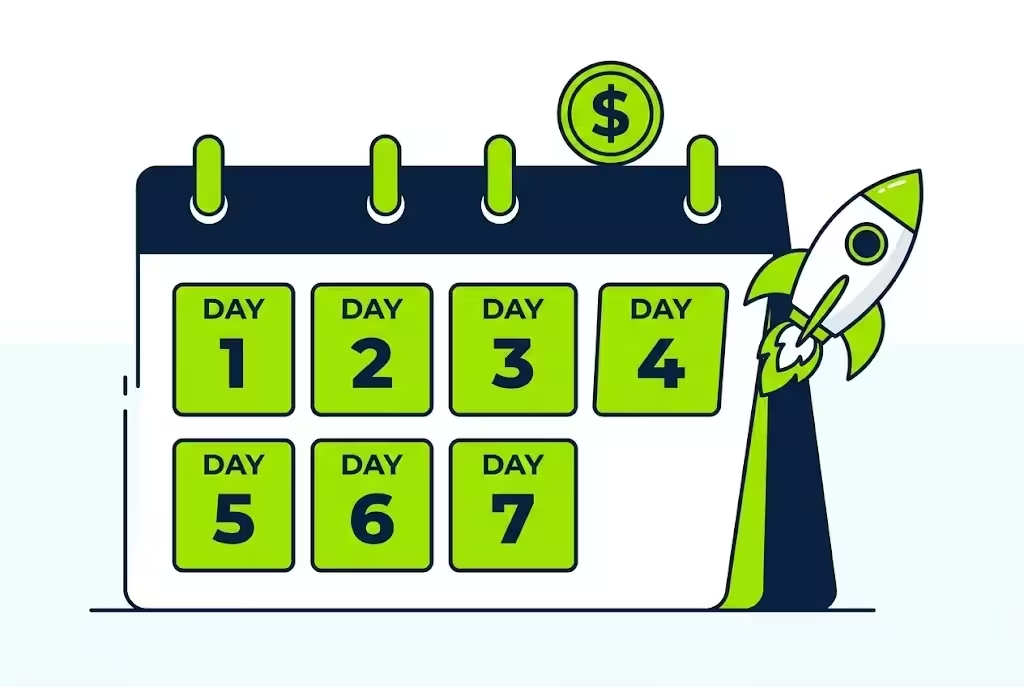
Do not just read this blog. Do this plan, starting today.
| Day | What to do | Result |
|---|---|---|
| Day 1, today | Make your Blogspot site on Blogger, add About, Contact, Privacy, and Disclaimer pages. Pick 1 niche. | Site ready, niche picked |
| Day 2 | Write your first post, 1 movie or drama, with story, cast, episode guide, and review. Embed 1 legal YouTube video. | 1 post, live |
| Day 3 | Apply for Adsterra, add your site, and add 2 ads to your post. Check the ads show. | Ads live |
| Day 4 | Use FuseClip on a video you own or have permission for, make 5 clips, edit 1 clip in CapCut with a 2 to 3 second intro and outro. | 5 clips, 1 edited |
| Day 5 | Post your first reel on Instagram and YouTube Shorts. Put the link in bio, and pin it in the first comment. | First reel, live |
| Day 6 | Write your second post, make 2 more clips, post your second reel. Reply to all comments. | 2 posts, 2 reels |
| Day 7 | Check Adsterra stats, check which reel got more views, and plan next week, 2 posts per week, 1 reel per day. | Week 1 done, system running |
Repeat this plan every week. 2 posts per week, 7 reels per week, is enough to start. Do not try to do 20 posts in one day, and then stop for a month. Consistency beats a burst.
Mistakes that kill your site and your account
Do not make these mistakes, they are the reason most movie sites fail.
- Downloading and uploading movies: that is copyrighted content, and it can get your Blogger site deleted, and your Adsterra account banned. Use iframe embed only.
- A site with only videos, no text: Google and AdSense will not approve it, and readers will not trust it. Write a real post for every video.
- Too many ads on day one: 5 ads on one post makes your site slow, and readers leave. Start with 2 ads per post.
- Clicking your own ads: Adsterra and AdSense can ban your account for fake clicks. Never click your own ads, and never ask friends to click them.
- Re uploading movie clips without permission: a 2 to 3 second intro does not protect you. The owner can report it, and your social media account can get a strike.
- Posting 5 reels in one day: they kill each other reach. Post 1 reel per day, at the same time, every day.
- No link in bio or first comment: if people cannot find the full video, they will leave, and you will get views but no traffic, and no money.
- Copying posts from other sites: copied content will not rank, and it will not get AdSense approval. Write in your own words, in easy English.
Final words: a proper system, not a shortcut
You see many videos about upload movies and dramas and earn money. Most of them are not authentic, because they skip the legal part, they skip the real post, and they skip the traffic part. They tell you upload it here, upload it there, and you will earn. That is not a system, that is a shortcut, and shortcuts do not work for long.
The proper system is simple, but it takes work. Make a Blogspot website on Blogger, pick one niche, write a real post, embed a legal YouTube video with iframe, add Adsterra ads, make clips with FuseClip, edit them in CapCut with a 2 to 3 second intro and outro, post 1 reel per day on social media, put your website link in bio and pinned in first comment, and let people come to your website to watch the full show and see the ads.
In that way, you earn money, and the real owner also earns money, and gets free promotion and views. That is a system that can work for months, not just for 1 day.
Start today, stay consistent, and give your site time. That is the whole system, in one line.
FuseClip: https://amfaiz.com/products/fuseclip
AdSense approval guide: https://micronirala.com/blogging-adsense-affiliate/how-to-get-google-adsense-approval-2027
Build a tool website with Muse and Claude: https://micronirala.com/blogging-adsense-affiliate/muse-claude-tool-website-adsense-ezoic-adx
If you have a question, tell us through our contact page: https://micronirala.com/contact
Disclaimer: All figures in this guide are before tax. Traffic, ad rates, and AdSense and Adsterra rules change often, and they are not fixed. This guide does not promise a fixed income, a fixed traffic number, or AdSense approval. Your results depend on your niche, your content, your country, and how much work you do. Check YouTube embedding rules, Adsterra rules, and AdSense rules on the day you start, and only use videos where the owner left Allow Embedding on.
Share this article
Link copied to clipboard!