

Today I am going to share a big opportunity with you. If you start working on it exactly like I tell you, right now, you can start earning, and you can earn a good amount of dollars through Pinterest.
Most people do not know how powerful Pinterest is. It is not like Instagram or TikTok, where a post dies in one day. Pinterest is a search engine. People go there to plan, to save ideas, and to find what they need. A pin you publish today can bring you readers for months, and even for years.
That is why seasonal content on Pinterest is so strong. People search for Thanksgiving and Christmas ideas weeks, and even months, before the holiday. If your post is ready before they start searching, you get the traffic. If you wait until the holiday comes, you miss it.
So do not wait. Start now. In this blog I will tell you, to the point, which events are coming, which keywords to target, how to make your posts and pins, and how that traffic turns into AdSense money on your website.
All figures in this guide are before tax. Traffic and income are not fixed, and no one can promise you a fixed amount. Your result depends on your niche, your content, your country, and how much work you do.
The honest timing: Thanksgiving is late, Christmas is still open
Let me be honest with you first, because honest advice is better than sweet advice.
Today is 7 November 2026. Thanksgiving in the USA is on 26 November 2026. Christmas is on 25 December 2026. That means you have only 19 days left for Thanksgiving, and 48 days left for Christmas.
A new pin needs 6 to 12 weeks to get indexed and reach its full visibility on Pinterest. That is why the best time to start Thanksgiving pins was September, and the best time to start Christmas pins was October.
So yes, for Thanksgiving you are late. But you are not fully out. You can still publish 2 to 3 strong Thanksgiving posts for last minute searches, for people who plan late, and for people who search after Thanksgiving for next year ideas. Just do not put all your time there.
Put most of your time into Christmas. Christmas search is already rising in November, and it peaks in December. Pins you publish now still have time to get indexed and saved before the rush. That is your real opportunity right now.
| Event | Date in 2026 | Best time to start | What to do on 7 November |
|---|---|---|---|
| Thanksgiving, USA | 26 November | September | Publish 2 to 3 last minute posts only |
| Black Friday | 27 November | October | Publish 1 to 2 gift and deal posts |
| Christmas | 25 December | October | Start now, this is your main focus |
| New Year | 1 January 2027 | November | Start in late November, after Christmas posts |
If your domain is at least 6 months old on Pinterest, this is a good time to target seasonal keywords. If your domain is new on Pinterest, do not rush into too many seasonal keywords. Build your account first with relevant, quality content, then add seasonal posts one by one. A new account with only seasonal posts looks thin, and Pinterest needs time to trust it.
Why Pinterest is so powerful for bloggers
Most beginners think Pinterest is only for photos. It is not. It is a visual search engine, and that changes everything.
On Instagram, people scroll for fun. On Pinterest, people search with a plan. They search for Thanksgiving dinner ideas because they will cook that dinner. They search for Christmas gift ideas because they will buy that gift. They search for Christmas home decor because they will decorate their home. That is why Pinterest traffic is so useful, the reader comes with a clear need.
Second, Pinterest traffic lasts. A reel dies in 24 to 48 hours. A pin can bring traffic for months. I have seen old pins start working after 2 to 3 months, when the season comes back. That is the compounding effect, one post, two pins, and traffic that keeps coming while you work on the next post.
Third, Pinterest is free traffic. You do not need to pay for ads to start. You need good content, good keywords, and good pins. That is it. For a student or a new blogger with no budget, that is a big deal.
Fourth, Pinterest pins get indexed by Google too. Your profile and your boards can show up in Google search results. That is free visibility on top of free visibility.
That is why I say this again, if you start working on Pinterest the right way, right now, you can build a real traffic source, and that traffic can turn into real dollars through AdSense. Not in one day, but step by step, post by post.
Thanksgiving keywords to target
Thanksgiving is best for food, lifestyle, fashion, home decor, beauty, and DIY blogs. If your blog is in one of these niches, use these keywords. Do not target all of them in one post. Pick one keyword, make one clear post for it, then make 2 pins for that post.
Here are the Thanksgiving keywords from my list, in simple words:
- Thanksgiving Dinner Ideas: full dinner menu, easy dinner, dinner for a small family, dinner for a big family.
- Thanksgiving Side Dishes: easy side dishes, healthy side dishes, side dishes you can make ahead.
- Thanksgiving Desserts: easy desserts, pumpkin desserts, pie ideas, no bake desserts.
- Thanksgiving Table Decor: simple table decor, table decor on a budget, table decor for a small table.
- Thanksgiving Outfit Ideas: casual outfit, cute outfit, outfit for dinner, outfit for cold weather.
- Thanksgiving Nail Designs: simple nail designs, fall nail designs, nail designs for short nails.
- Thanksgiving Hairstyles: easy hairstyles, hairstyles for long hair, hairstyles for short hair.
- Thanksgiving Appetizers: easy appetizers, quick appetizers, appetizers for a party.
- Thanksgiving Centerpieces: simple centerpieces, DIY centerpieces, centerpieces with candles.
- Thanksgiving Party Ideas: party ideas for family, party games, party food ideas.
Use long tail keywords, not only broad keywords. Do not write only Thanksgiving Dinner. Write Thanksgiving Dinner Ideas for a Small Family, or Easy Thanksgiving Dinner Ideas for Beginners. Long tail keywords are easier to rank, and the reader who searches them knows exactly what they want.
Christmas keywords to target
Christmas is the bigger opportunity now, because the search peak is still ahead. Use the same rule, one keyword, one post, two pins.
- Christmas Dinner Ideas: easy Christmas dinner, Christmas dinner menu, dinner for family.
- Christmas Cookies: easy Christmas cookies, Christmas cookies for kids, cookies you can gift.
- Christmas Party Decorations: party decorations at home, party decorations on a budget, DIY party decorations.
- Christmas Nail Ideas: simple Christmas nails, red Christmas nails, Christmas nails for short nails.
- Christmas Outfit Ideas: Christmas outfit for dinner, casual Christmas outfit, Christmas outfit for cold weather.
- Christmas Hairstyles: easy Christmas hairstyles, hairstyles for a party, hairstyles for long hair.
- Christmas Home Decor: simple home decor, home decor on a budget, home decor for a small home.
- Christmas Gift Ideas: gift ideas for mom, gift ideas for dad, gift ideas for friends, gift ideas under 20 dollars.
- Christmas Table Settings: simple table settings, table settings for dinner, table settings with candles.
- Christmas DIY Crafts: easy DIY crafts, DIY crafts for kids, DIY crafts for home decor.
Christmas Gift Ideas is one of the strongest keywords for earning, because the reader is ready to buy. If your post has affiliate links, or AdSense ads, that reader is more useful than a reader who only looks at a photo.
Do not copy the same list into every post. Pick the keyword that fits your blog, and write a post that truly helps that reader. A post that answers the question fully is better than 5 thin posts that say the same thing.
How to find the right seasonal keywords
Do not guess keywords. Use Pinterest itself, it is free, and it shows you what people actually search.
- Go to the Pinterest search bar, type Thanksgiving, and see the suggestions that come up. Those suggestions are real searches.
- Click one suggestion, then see the next suggestions. That gives you long tail ideas, like Thanksgiving Side Dishes Easy, or Christmas Cookies for Kids.
- Open Pinterest Trends, type your keyword, and see if the search is rising or falling. If it is rising, that keyword is worth your time.
- Pick 2 to 3 keyword angles for one post, not 10. One main keyword, one second keyword, and one small angle, like for beginners, or on a budget, or easy.
- Check the top pins for that keyword. If the top pins are old, thin, or weak, you can beat them with a better post and a better pin.
This is the same method I use in my full Pinterest guide. I will link it below, and I will also repeat the most important tips here, so you do not have to go anywhere else to start.
The Pinterest system I use, in simple words
I shared the full system in my Pinterest blogging guide. Read it here: Pinterest Blogging: Turn Every Post Into Traffic
Here is the same system, in short, so you can use it today for your seasonal posts.
Step 1: One post, two pins
After you publish a blog post, make 2 pins for it. Not one, not ten. Two.
Pinterest rewards fresh pins, which means new images, even when they link to the same URL. Two fresh images for one article give you two chances to rank in search, two chances to appear in feeds, and two keyword angles instead of one. Going beyond 3 pins per post usually just splits your own impressions, without adding reach.
The two pins should differ in angle, not just in colour. Pin 1 can be a promise headline, like Easy Christmas Dinner Ideas for Family. Pin 2 can be a list headline, like 10 Christmas Dinner Ideas You Can Make in 1 Hour. Same post, two different reasons to click.
Step 2: The board strategy
Do not make a board for every post. You will end up with 40 boards, each with 2 pins. Those thin boards tell Pinterest nothing about what you are an expert in.
Make one board per topic, named with plain search keywords, plus one main blog board that holds everything you publish. For example, Christmas Dinner Ideas, Christmas Gift Ideas, Thanksgiving Recipes, and one board named MicroNirala Blog, or Best of MicroNirala.
Always save a new pin to the most relevant topic board first, then cross save it to your blog board a day or two later. Pinterest reads the first board as the topic signal. That small order makes a big difference.
Step 3: Pin design, the 2 minute rule
Make your pin vertical, 1000 by 1500 pixels. That is the size that works best on Pinterest.
Keep text under 30 percent of the pin area. If your words cover most of the image, Pinterest treats it as low quality, and users scroll past it. The image should do the attracting, the text should do the explaining. One headline, one short sub line, your brand mark. That is the full text budget.
Use 6 to 8 words in the headline, not more. Use a dark or light overlay behind the text, at 30 to 50 percent opacity, so the text pops and does not fight the photo. Keep all text at least 100 pixels away from the edges, because Pinterest rounds corners and text near the edge gets cut.
Avoid all text pins with no image, tiny script fonts, clickbait headlines that the article does not deliver, and watermarks from free tools in the middle. Pinterest suppresses mismatched pins, and the visit site button can stop appearing on them.
Step 4: Pin title and description
The pin title is a search field, not a caption. Pinterest gives you up to 100 characters. Use this formula: main keyword, plus a specific benefit or angle, with the keyword inside the first 40 characters.
Example: Christmas Gift Ideas for Mom Under 20 Dollars. The keyword is in the first 40 characters, and the reader knows the benefit, under 20 dollars.
Write a different title for each of your two pins. Pin 1 targets the main keyword. Pin 2 targets the second angle, like mistakes, or easy, or for beginners.
For the description, write 100 to 300 characters that do 3 jobs. First sentence, restate the promise with your main keyword. Second sentence, name 2 to 3 specific things the reader will find inside. Then end with a call to action, like read the full list, or save this for later.
Use your keyword 2 to 3 times in total, in real sentences. Never stuff keywords, like Christmas gift ideas, Christmas gifts, gift ideas Christmas. That reads as spam, and it can suppress the pin.
Add 3 to 5 topic tags, and link each pin to the post URL. If you use WordPress, enable rich pins by validating your site in Pinterest rich pin validator once. Rich pins pull your headline and description automatically, which makes every pin look more complete.
Step 5: The 14 day pin cycle
Do not dump all pins on day one. Fresh pins spaced out get individual attention. Five pins at once get treated as one burst.
- Day 1: Publish Pin 1 to the most relevant topic board. Share the post link on your other channels the same day, so the article gets early engagement.
- Day 3 to 5: Publish Pin 2, the second angle, to the same topic board.
- Day 7: Cross save both pins to your blog board.
- Ongoing: 2 to 4 fresh pins per week across your account is a healthy pace for a growing blog. Pinterest scheduler lets you queue pins up to 30 days ahead, so you can batch a month of pinning in one sitting.
My experience to grow fast on Pinterest
Here is what I learned by testing pin after pin, and watching which ones sent real readers and which ones sat at zero impressions.
First, fresh pins beat old pins. I do not re pin the same image again and again. I make a new image for the same post, with a new headline, and a new keyword angle. That new image is a new chance to rank.
Second, spacing beats dumping. When I published 5 pins in one day, they did not get 5 times the traffic. When I spaced them out, 2 pins this week, 2 pins next week, each pin got its own window in the feed, and the total traffic was higher.
Third, winners deserve more pins. If one angle gets high clicks, I make 2 more fresh pins in that same winning angle for the same post. If a pin gets high impressions but low clicks, I redesign the headline, I do not blame the topic. If a pin gets high saves but low clicks, I strengthen the call to action in the description. If everything is low after 60 days, I research a new keyword angle, and I try one fresh pin before I give up on the post.
Fourth, the post must deliver what the pin promises. A catchy pin with a weak post gets clicks once, then Pinterest stops showing it. A catchy pin with a helpful post gets saves, clicks, and repeat traffic. That is why I write the post first, fully, then I make the pin.
Fifth, I do not chase every trend. I pick the keywords that fit my blog, and I publish consistently. 2 to 4 fresh pins per week, every week, beats 20 pins in one week and then nothing for a month. Pinterest rewards consistency, not bursts.
That is the full experience in short. The full guide, with all the tools, the analytics part, and the mistakes list, is here: https://micronirala.com/blogging-adsense-affiliate/pinterest-blogging
How to make a catchy pin image that gets clicks
A pin image is not a decoration. It is the reason a reader stops scrolling and clicks.
Use Canva, or any free design tool. Start with a vertical size, 1000 by 1500. Pick a clear photo that matches the keyword, for example a Christmas dinner table for Christmas Dinner Ideas, or a gift box for Christmas Gift Ideas. Do not use a blurry photo, or a photo that has nothing to do with the post.
Add your headline in big, bold, easy to read text. 6 to 8 words, no more. Add one short sub line below it, like Easy, Budget Friendly, For Family. Add a small brand mark in the corner, so people remember your site.
Use bright, clear colours that match the season. For Thanksgiving, use warm orange, brown, and cream. For Christmas, use red, green, and gold, or white and emerald green. Do not use 5 bright colours in one pin, it looks messy. Pick 2 to 3 colours, and use them in all your seasonal pins, so your pins look like one set.
Before you publish, check the pin on your phone. If you cannot read the headline in 2 seconds, make the text bigger, or make the photo darker behind the text. If the headline is clear in 2 seconds, it is ready.
Upload that pin image to Pinterest, add your title, description, and tags, and link it to your website post. That link is the most important part, because that link is what brings the reader to your website.
How Pinterest traffic turns into AdSense dollars
This is the part most people miss. Pinterest does not pay you. Your website pays you, through AdSense.
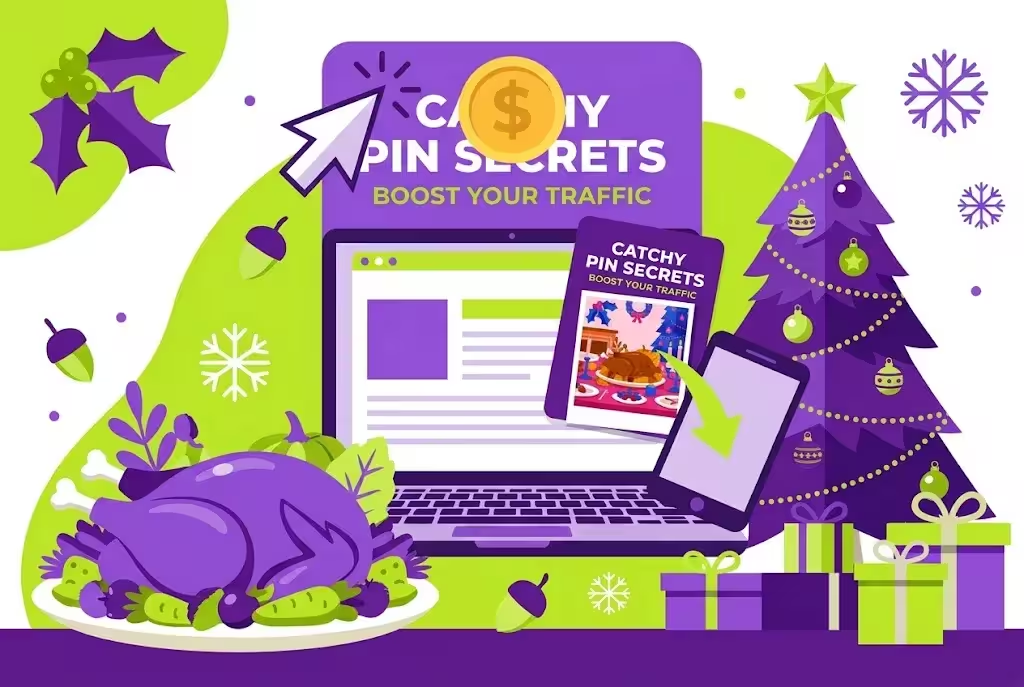
Here is the full chain, step by step:
- You publish a helpful blog post on your website, for example Christmas Gift Ideas for Mom.
- You make a catchy pin image for that post, and you upload it to Pinterest, with the link of that post.
- A Pinterest user searches for Christmas gift ideas, sees your pin, and clicks it.
- That user comes to your website, reads your post, and sees your AdSense ads.
- Google AdSense pays you for those ad views and clicks, before tax.
That is the full system. Pinterest is the traffic, your website is the money. If you have no website, Pinterest traffic has nowhere to go. If you have a website but no AdSense, the traffic comes, but the money does not.
How much you earn depends on many things, your traffic, your niche, your country, and your ad placement. A food or gift post with US traffic usually earns more than a post with low value traffic. No one can promise you a fixed amount per pin, or per post. Anyone who promises that is not telling you the truth.
What I can promise you is this, if you publish consistently, and you target the right seasonal keywords, and your pins link to helpful posts, your traffic will grow, and your AdSense income will grow with it. Slow at first, then faster, as old pins keep working.
No website? No AdSense approval? Do not worry, start here
If you do not have a website, or you have a website but no AdSense approval, do not worry. Do not stop here. Start from the beginning, in the right order.
Step 1: Make a website with AI, using Muse and Claude
You do not need to learn coding to make a website now. You can build a tool website with AI, using Muse and Claude. Muse plans it, Claude builds it, and you get a real website that people can use.
Read the full guide here: Build a Tool Website With Muse and Claude for AdSense
That guide is here: https://micronirala.com/blogging-adsense-affiliate/muse-claude-tool-website-adsense-ezoic-adx
In that guide you will learn how to pick a low competition tool idea, how to build it with Muse and Claude, how to set up the site, and how to monetize it with AdSense first, then Journey, then Ezoic and AdX as you grow. Start with AdSense first, do not jump to Ezoic or AdX on day one.
If you want the first part, the tool website idea and the keyword research, read this guide too: Tool Website AdSense Earning Guide
Step 2: Get AdSense approval for your website
After your website is ready, you need AdSense approval. Without approval, your traffic will not earn.
Read the full guide here: How to Get Google AdSense Approval in 2027
That guide is here: https://micronirala.com/blogging-adsense-affiliate/how-to-get-google-adsense-approval-2027
In short, AdSense wants a real website, with original content, with enough pages, with About, Contact, Privacy, and Disclaimer pages, and with no copied content. Build that first, then apply. Do not apply with a thin site, or with copied content, or you will get rejected.
Once you have approval, come back to Pinterest. Now your pins have a real place to send traffic, and that traffic can earn.
Your 7 day action plan, starting today
Do not just read this blog. Do this plan, starting today, 7 November.
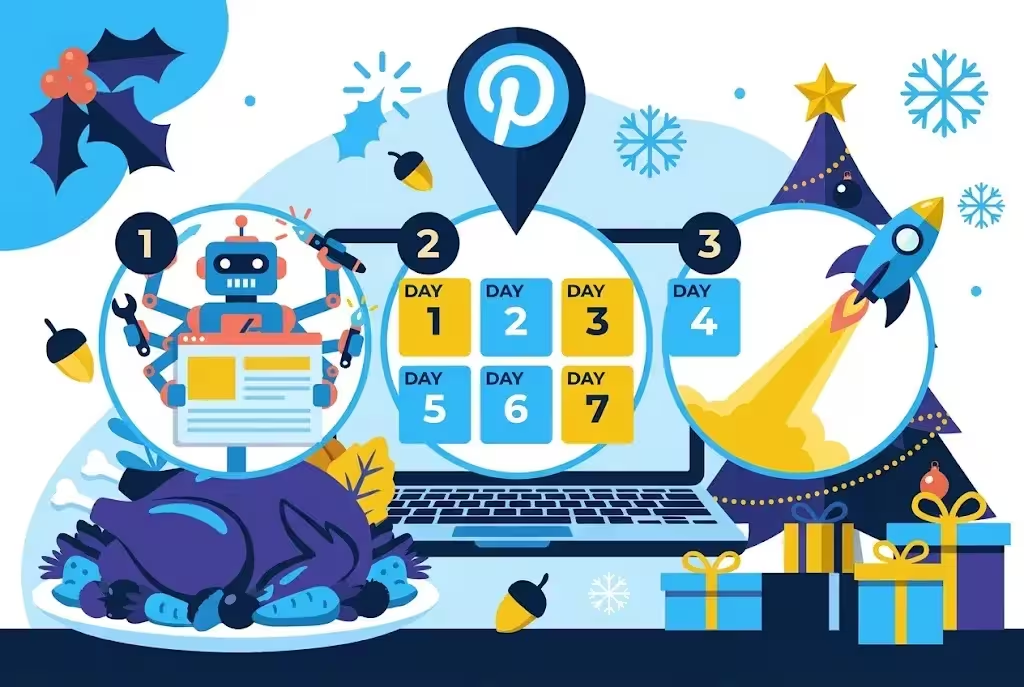
| Day | What to do | Result |
|---|---|---|
| Day 1, today | Pick 1 Christmas keyword, and 1 Thanksgiving keyword, from the lists above. Research them in Pinterest search and Pinterest Trends. | 2 keywords, ready to write |
| Day 2 | Write 1 Christmas post, fully, to the point, with a clear list, and a helpful answer. Add your AdSense ads if approved. | 1 Christmas post, live |
| Day 3 | Make 2 pins for that Christmas post, different angles, different designs. Publish Pin 1 to the topic board. | Pin 1, live |
| Day 4 | Write 1 Thanksgiving post, for last minute searches. Keep it short and useful. | 1 Thanksgiving post, live |
| Day 5 | Make 2 pins for the Thanksgiving post. Publish Pin 1. Publish Pin 2 for the Christmas post. | 2 more pins, live |
| Day 6 | Cross save both Christmas pins to your blog board. Check Pinterest Analytics for impressions. | Board clean, data started |
| Day 7 | Publish Pin 2 for Thanksgiving. Plan next week, 2 more Christmas posts, same system. | Week 1 done, system running |
Repeat this plan every week until Christmas. 2 posts per week, 4 pins per week, is enough to start. Do not try to do 10 posts in one day, and then stop for a month. Pinterest rewards consistency.
Mistakes that kill seasonal traffic
Do not make these mistakes, they are the reason most seasonal posts get zero traffic.
- Posting the week before the holiday: by then, the search wave has already passed. Start 45 to 90 days before, or at least start now, in November, for Christmas.
- One pin per post: you get one chance instead of two. Make 2 pins, different angles.
- A board for every post: 40 thin boards signal nothing. Use topic boards plus one blog board.
- Keyword stuffing: repeating the same keyword 10 times in the description reads as spam, and it can suppress the pin. Use it 2 to 3 times, in real sentences.
- Text covering the whole image: keep text under 30 percent of the pin area, or your impressions will fall.
- Clickbait pin, weak post: if the post does not deliver what the pin promises, Pinterest stops showing it, and the reader will not come back.
- Pinning the same image 10 times: Pinterest rewards fresh pins, not the same image again and again. Make a new image, with a new headline.
- No link, or a wrong link: always check the pin link. If the link is broken, or it goes to the home page, you lose the traffic.
Final words: start early, stay consistent, give your pins time
Thanksgiving and Christmas are two big seasonal opportunities, especially for food, lifestyle, fashion, home decor, beauty, and DIY blogs. Pinterest users search for ideas weeks, and even months, before the event. If you start publishing now, instead of waiting until the holidays arrive, you give your pins time to gain traction.
Research seasonal keywords using Pinterest search suggestions. Create multiple high quality blog posts around relevant keywords. Design fresh, attractive Pinterest pins for each article. Use specific long tail keywords instead of targeting only broad keywords. Start publishing consistently before the seasonal search peak.
And if you do not have a website yet, start with the Muse and Claude tool website guide, then get AdSense approval, then come back to Pinterest. That is the full path, from no website, to traffic, to dollars.
Start today, stay consistent, and give your pins time. That is the whole strategy, in one line.
Pinterest blogging guide: https://micronirala.com/blogging-adsense-affiliate/pinterest-blogging
Build a tool website with Muse and Claude: https://micronirala.com/blogging-adsense-affiliate/muse-claude-tool-website-adsense-ezoic-adx
Get AdSense approval in 2027: https://micronirala.com/blogging-adsense-affiliate/how-to-get-google-adsense-approval-2027
If you have a question, tell us through our contact page: https://micronirala.com/contact
Disclaimer: All figures in this guide are before tax. Traffic, search demand, and AdSense income change often, and they are not fixed. This guide does not promise a fixed income, a fixed traffic number, or AdSense approval. Your results depend on your niche, your content, your country, and how much work you do. Check Pinterest Trends and AdSense rules on the day you start.
Share this article
Link copied to clipboard!