


What this guide is, in plain words
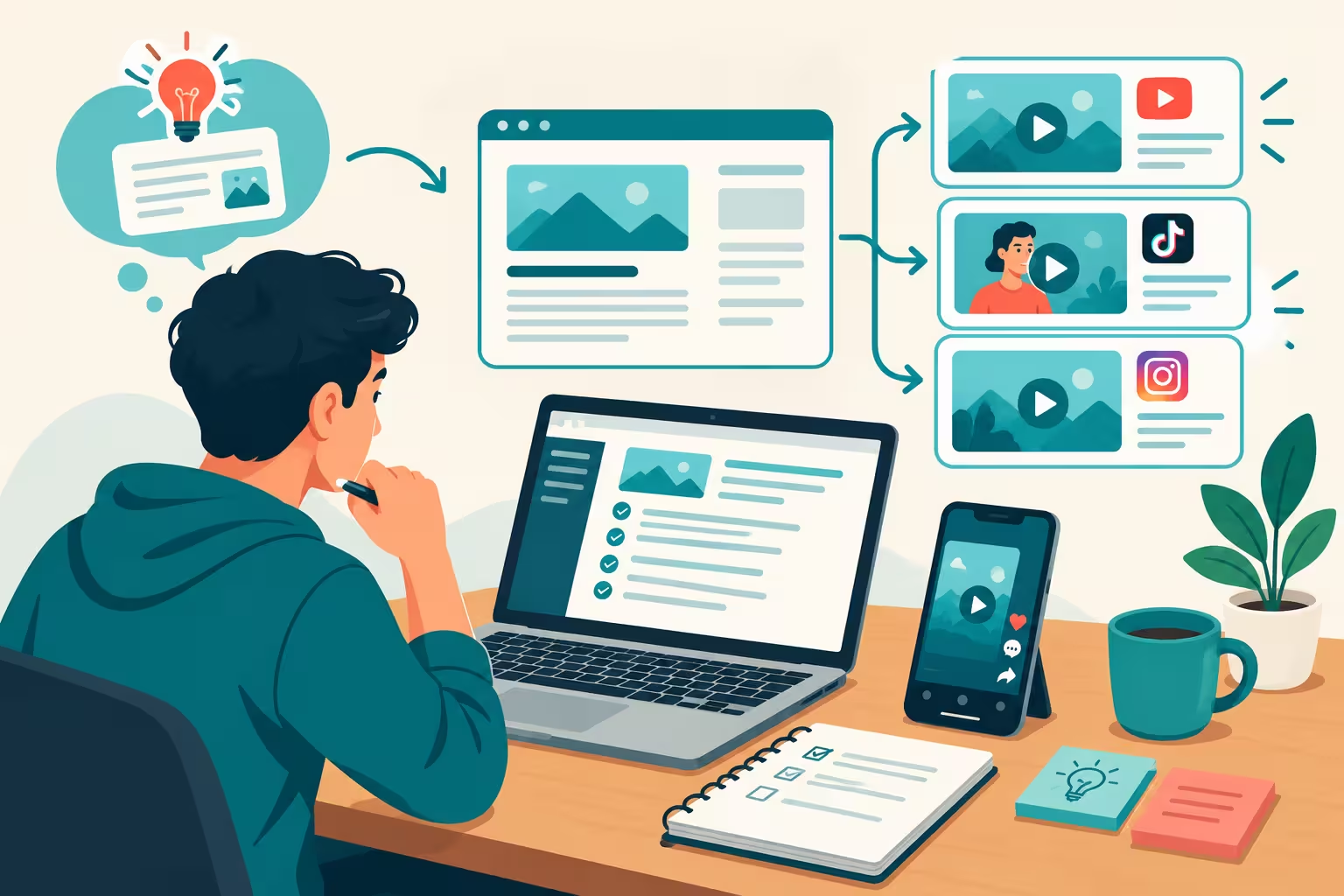
A news niche means you pick one type of news and you cover it again and again. You do not cover everything. You pick one beat, you write about it on your own website, and then you turn the same story into a short video for Facebook, Instagram, TikTok and YouTube.
People find you on social media. They read the full story on your website. Your website earns from AdSense. Your videos earn when the platform allows it. Later, brands pay you for promotions.
That is the whole model. It is simple to understand. It is not quick to earn from. Let me say that clearly at the start, because many guides hide this part. A new news website will not start paying you in a few days. You need weeks of good posts, then months of steady traffic, before AdSense and video monetization become real money. If someone promises fast money from this, do not trust that promise.
This guide will show you the free way to start, the daily work, and the current rules for each platform, as checked on 26 October 2026. Rules change often, so always check the official page on the day you apply.
First rule: pick one beat, not all news
Big news websites have hundreds of reporters. You are one person. You cannot beat them at all news.
Pick one beat you can follow every day without getting bored. Good examples are:
- Technology and AI news
- Creator and platform news, like YouTube, TikTok and Facebook rule changes
- Sports news for one sport
- Student and exam news
- Local news for one city or one topic
Pick one beat for now. You can add a second beat later, after the first one is working.
Why does this matter for AdSense? A short copy of someone else's story is thin content. Google has rejected sites for low value content for exactly this reason. A full explainer in your own words, with why it matters and what happens next, is much stronger. If a story cannot support a full explainer, skip that story. Fewer full posts are better than many thin posts.
Step 1: Make your website for free
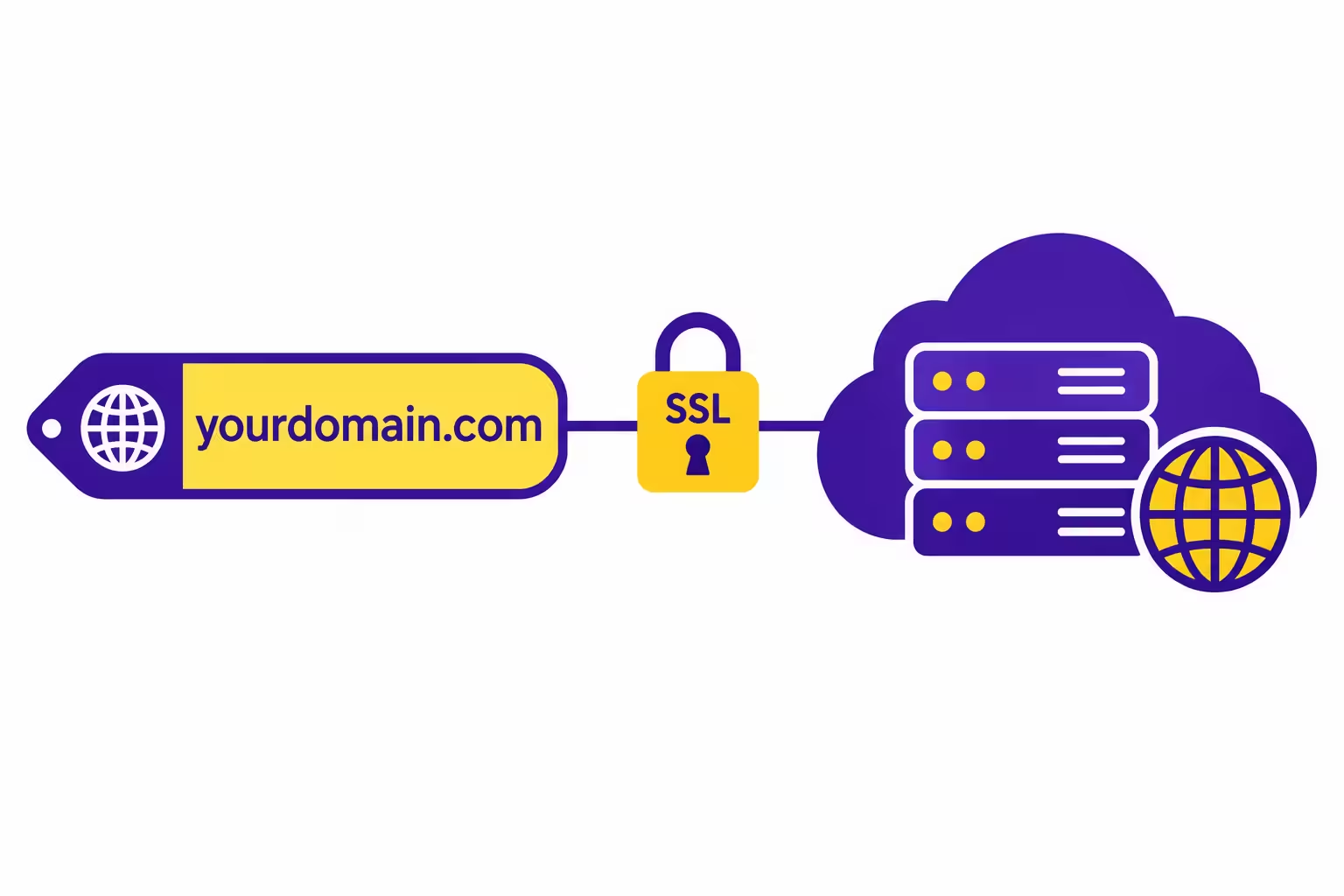
A website needs two things. A domain is the address, like yoursite.tech. Hosting is the place where your website files live. Both can be free at the start if you use the offers below carefully.
1. Choose a simple name
Choose one name you can use everywhere. Short is better. Easy to spell is better. Say it out loud. If a friend cannot spell it after hearing it once, pick a simpler name.
Check the same name on TikTok, Instagram, YouTube and Facebook before you lock the domain. Your brand is much stronger when the name is the same on every platform.
2. Make a GitHub account early
GitHub is a place where developers store website code. You do not need to be a developer to use it for a simple site, but you do need an account for many free offers.
Make the account with your real name and real email. Do not make it at the last minute, because some offers ask you to link this account and verify it. Keep the account in good standing. Do not use fake details.
3. Get a free .tech domain from Hacktoberfest
Hacktoberfest has a promotions page for developers. The user link for it is hacktoberfest.com/my/promos. On that page, one of the offers is a free .tech domain for one year.
Here is the plain process:
- Make an account on Hacktoberfest and sign in.
- Open the promotions page.
- Find the .tech domain offer and read its terms on that page.
- Complete the checks it asks for, which can include phone verification and linking your GitHub account through MyMLH.
- You will get one code per person. Use that code at checkout on get.tech.
- Choose your domain name and select one year.
- Check the total before you pay. If the total is not zero, stop. Do not submit a payment you did not expect.
- After you register, check auto renew. In one test on 18 October 2026, auto renew was on by default and the renewal price was shown as 29.99 dollars per year. If you do not want to pay next year, turn auto renew off right after you register, and confirm the setting changed.
Important warning: offers change, stock is limited, and a code can stop working at any time. Read the terms on the page on the day you claim it. Do not share your code with others. One code is for one person.
If you are a student, there is a second way to get a free domain. That is in Step 2 below, through the GitHub Student Pack.
4. Get free hosting
For a news blog, a static website is enough at the start. Static means the page is the same for every visitor. You do not need a server that builds a new page for each person. A static site is fast, simple and cheap to host.
Here is a simple comparison in plain words:
- Cloudflare Pages: Best choice for a simple news site at the start. It gives free SSL, which is the lock sign in the browser, and free custom domain support. Bandwidth is unmetered on the free plan, which means traffic does not quickly use up a limit.
- Netlify: Also good for a static site. It gives free SSL and custom domain support, and it connects to GitHub so your site updates when you push new code. New free accounts use a credits system, so check your usage if traffic grows.
- Vercel: Very good for modern website frameworks, especially Next.js. The free Hobby plan is for personal use, so check its terms carefully if you plan to run ads on the site.
- Render: Good if you later need a small app or backend. The free web service sleeps after 15 minutes of no use, so it can be slow on the first visit. That is not ideal for a news site where speed matters.
- Google Firebase Hosting: Good if you already use Google tools. The free Spark plan gives 10 GB storage and about 360 MB transfer per day. That daily limit can be tight if you use many large images.
- GitHub Pages: Free for public repos, with free SSL and custom domain support. Simple and reliable for a basic site.
For most beginners, start with Cloudflare Pages or Netlify. Both are free, both give SSL, and both let you connect your .tech domain.
To connect your domain, you will do one of two simple things, depending on the host. You either change the nameservers at your domain registrar to the ones your host gives you, or you add a DNS record that points your domain to your host. DNS sounds technical, but it is just the address book of the internet. It tells visitors where your website lives. After you change it, wait a few hours. Sometimes it works in minutes, sometimes it takes longer.
5. Build the pages you must have before AdSense
Do not publish news first and add these pages later. Build them first.
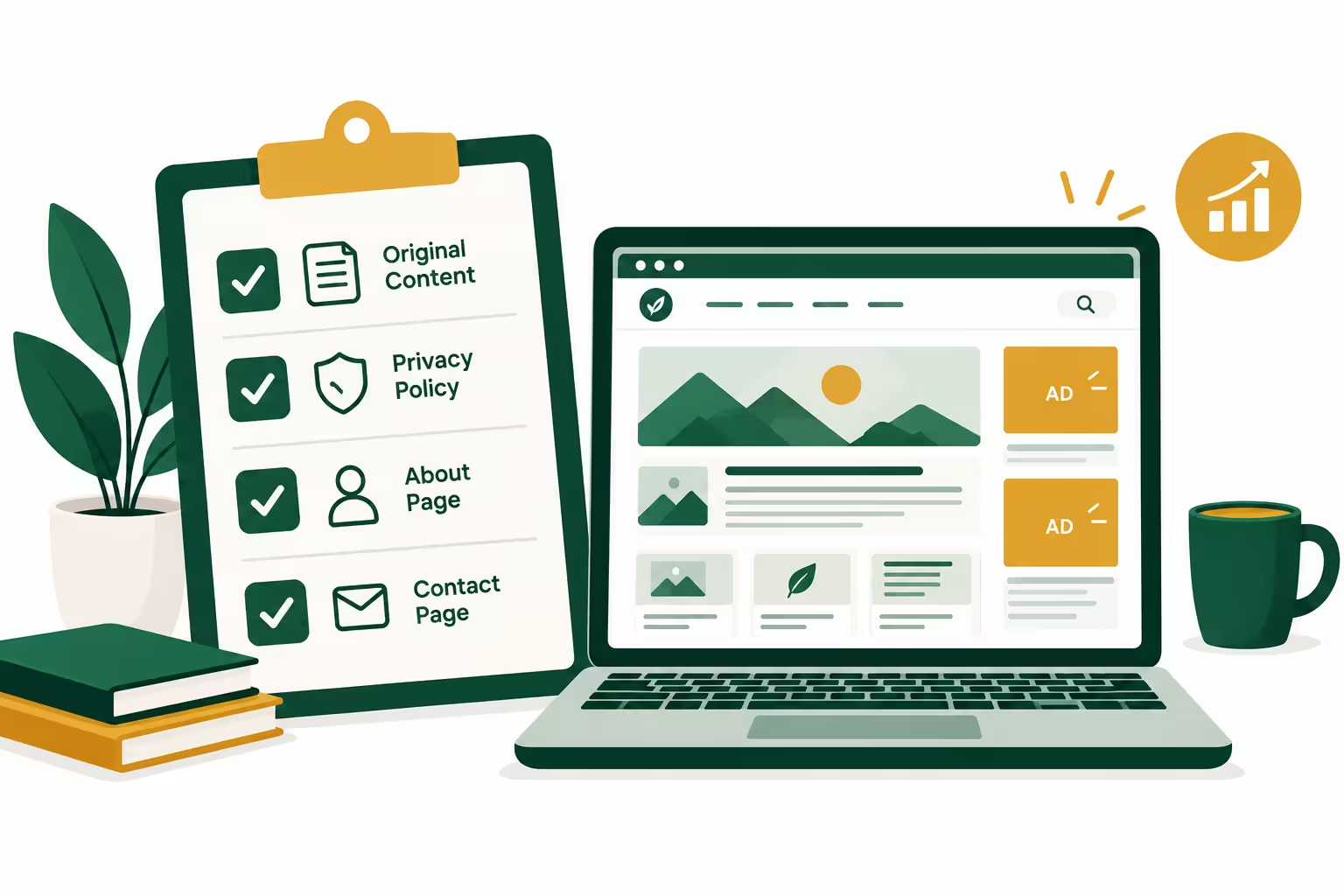
- Home page: clear name, clear topic, latest posts, easy menu.
- About page: who you are, what beat you cover, why you started this site.
- Contact page: a working contact form or email. Readers and reviewers must be able to reach you.
- Privacy Policy: how you handle visitor data, and a clear note that Google may use cookies for ads. This is required for AdSense.
- Terms and Conditions: basic rules for using your site.
- Disclaimer: news can change, you will correct mistakes, and earnings or results are not guaranteed.
- Corrections Policy: this is important for a news site. Say clearly that if you get something wrong, you will fix it and note the fix.
- Author page: your name, a short bio, and a photo if you are comfortable. A real author builds trust.
Your site must also work well on a phone, load fast, and have no broken links. Use a clean menu. Do not use popups that block the whole page. A reviewer must understand your site in a few seconds.
Step 2: If you are a student, use the GitHub Student Pack
The GitHub Student Developer Pack is a bundle of free tools for verified students. You apply with a school email or an official student document. Approval can take a few hours to a few days.
What students often get from it, as listed in October 2026, includes:
- A free .tech domain for one year.
- A free .me domain for one year from Namecheap, with an SSL certificate.
- A free domain from Name.com from selected extensions.
- GitHub Pro and learning tools while you are a student.
- Cloud credits, like Azure credit, and other partner offers.
Offers change often. Some offers you remember from old videos may no longer be in the pack. Claim only what you will actually use, because many offers start their timer when you activate them, not when you first need them.
Do not use a fake student email or a fake document. That can get your account blocked, and it is not worth losing your whole site for a free domain.
Step 3: Get AI help the smart way, Gemini Plus or DeepSeek
AI does not build your business for you. AI is a helper that writes a first draft fast. You are the editor. You check it, fix it and publish it.
Gemini Plus for students
If you are an eligible student, Google offers Google AI Plus free for 12 months in Pakistan. This is not the same as Google AI Pro. AI Pro is the US student offer. In Pakistan, the student offer is AI Plus.
What it normally includes, as shown on the student pages in 2026, is higher Gemini usage limits, Gemini features inside Google Docs, Sheets and Gmail, and 400 GB of shared storage across Drive, Gmail and Photos. The normal price shown for Pakistan is about 1,400 rupees per month, so 12 months free is a real saving if you qualify.
How to claim it in plain steps:
- Go to the official student page, gemini.google/students.
- Sign in with your personal Google account, not a school Workspace account if the page asks for a personal account.
- Verify that you are a current student at an eligible college or university. You may need a student email or a document.
- Read the billing part carefully. Google may ask for a payment method. The plan can auto renew at the normal price after 12 months if you do not cancel.
- Set a reminder one month before the free year ends. If you do not want to pay after that, cancel before the renewal date.
One source in 2026 said the offer must be claimed by 31 December 2026. Check the official page for the current deadline, because deadlines change.
DeepSeek if you do not get Gemini Plus
If you are not a student, or if Gemini Plus does not work for you, DeepSeek is a very good free starting option. It is strong for drafting, for explaining a topic in simple words, and for helping with website code.
Use DeepSeek the same way you use Gemini. Ask for a draft, then read every line. Do not publish an AI draft without checking it. AI can get dates, names and numbers wrong. For news, a wrong date or a wrong name is a serious mistake.
How AI helps you build the website
You can ask AI for a simple homepage, an article page template, a clean menu and a fast layout. Give it clear instructions, like this:
"Make a simple, fast, mobile friendly news homepage in HTML and CSS. It needs a header with my site name, a menu with Home, News, About and Contact, a section for latest posts, and a footer. Use short headings and clean fonts. Do not add heavy images."
Then test the result on your phone. Check every link. Fix any broken part. Add your real content. AI gives you the skeleton. You give it the heart.
Step 4: Set up social media with the same name
Now make your accounts with the same name as your website. Same name, same logo, same colours, same short bio. This helps people recognise you everywhere and trust you faster.
TikTok
- Make a personal account first if you want to be eligible for creator programs later. Business accounts have different rules.
- Use your brand name as the username if it is free. If it is taken, add a short word like news or daily, but keep it close to your brand.
- Add a clear profile photo, usually your logo.
- Write a one line bio. Say what news you cover and who it is for. Do not promise money or results in your bio.
- Turn on two step security.
- Post vertical short videos. For news, 30 to 60 seconds is a good length at the start.
- Make a professional account, either Creator or Business. A personal account does not give you the same tools.
- Use the same username, logo and bio style as TikTok.
- Add your website link in bio when Instagram allows it.
- Use Reels for news videos, and feed posts for a short summary with one clear image.
- Use the paid partnership label whenever a post is paid by a brand. Hiding a paid deal breaks trust and platform rules.
YouTube
- Make a channel with the same brand name.
- Add a channel banner, logo and About section. Say clearly what news you cover.
- Turn on two step verification on your Google account. You will need this for monetization later.
- Post Shorts for quick news, and longer videos when a story needs a full explanation. A Short and a long video are not the same job. Shorts bring new viewers. Long videos build watch time.
- Write a clear title that is the news question itself, not a misleading claim.
- Make a Facebook Page, not just a personal profile, for your brand. A Page gives you insights, scheduling and monetization tools.
- Use the same name, logo, cover photo and bio.
- Set the Page category to something honest, like News and Media or Media.
- Add your website link, contact details and About section.
- Check the Monetization section in Meta Business Suite from time to time, so you can see what tools you are eligible for.
X for news research, not for main income
X is very useful for finding news fast. It is not your main income platform at the start, especially if you are in Pakistan, because X Creator Revenue Sharing payouts do not include Pakistan on its payout list.
Use X like this:
- Make lists of official sources in your beat. Official accounts, government pages, company pages, sports bodies and trusted reporters.
- Check trending topics in your beat, but do not trust a trending post as proof.
- When you see a claim on X, open the original source. A screenshot or a short post is a lead, not a fact.
- Save useful posts, then verify them with at least one more independent source before you write.
Step 5: Your daily work, from scrolling to publishing
You do not need to work all day. You need a simple routine you can repeat every day.
Morning: find the news
Spend 30 to 45 minutes scrolling with a purpose. Do not scroll for fun and call it work.
- Open your X lists and your trusted news sources.
- Open Google News for your beat.
- Write down 2 or 3 stories that are new, important and clear.
- Ask one question for each story: can I explain why this matters to my reader? If the answer is no, skip it.
Do not chase every breaking story. A story that is already covered by 100 big sites in the same hour is hard for a small site to win. A story you can explain better, in simpler words, for a specific reader, is a better pick.
Midday: verify before you write
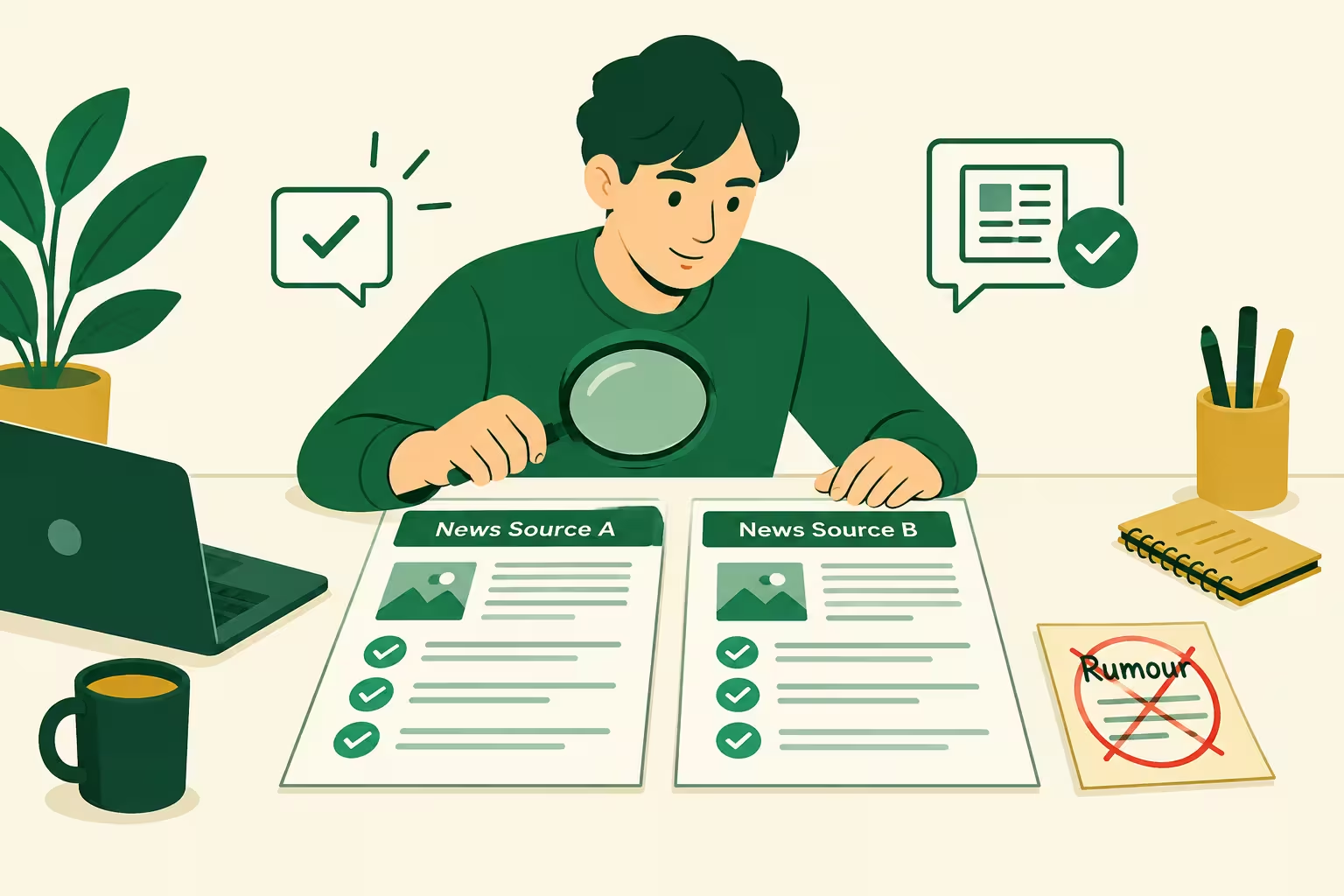
Verification is what separates a news site from a rumour page.
- Find at least two independent sources for a breaking claim. Independent means not just two posts copying the same original post.
- Check the date, the place and the spelling of names.
- If only one source has the claim, say so in your article, or wait. Do not publish an unverified claim as a fact.
- If a story changes later, update your article and note the update with the new date. Readers trust a site that corrects itself.
Afternoon: write the article on your website first
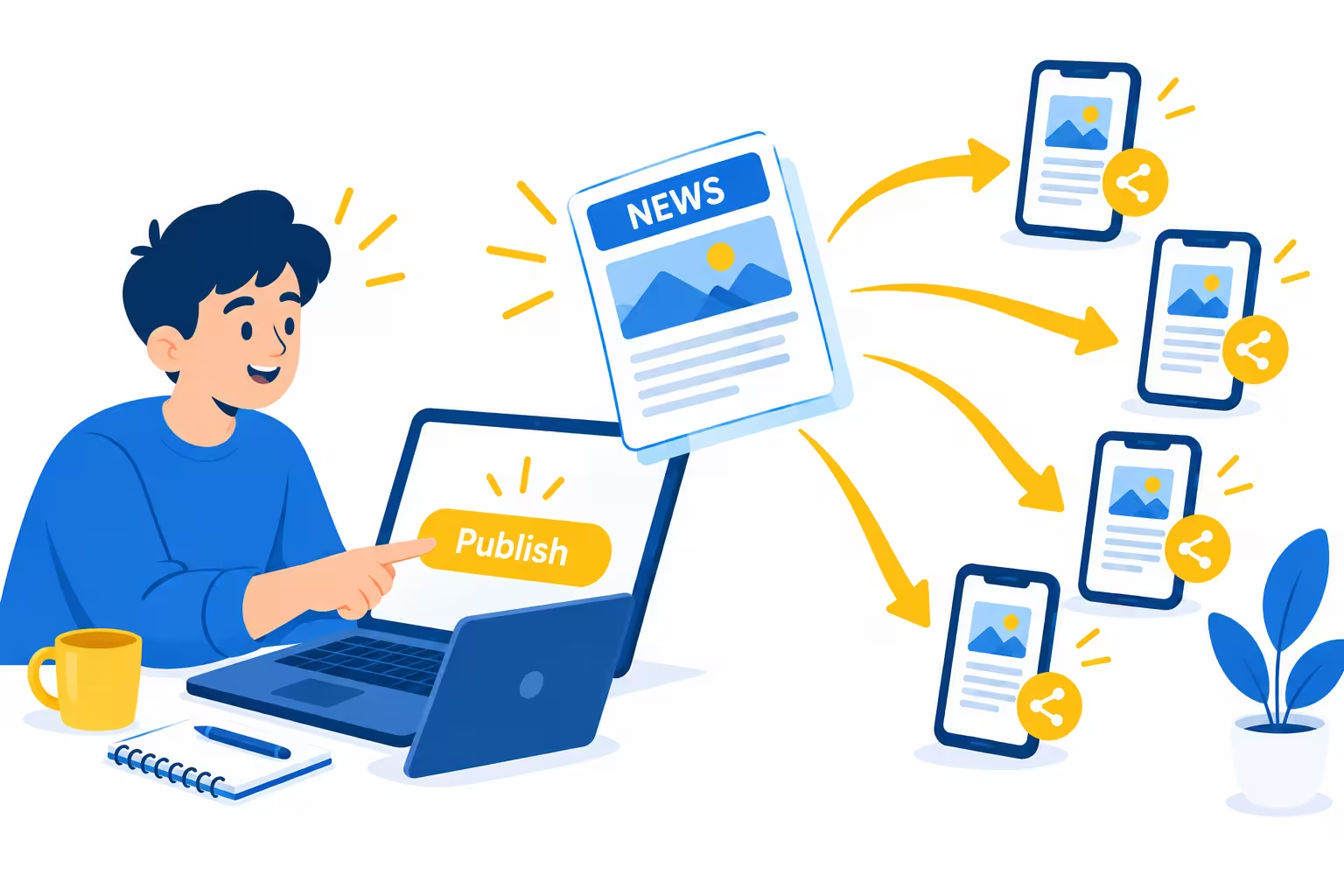
Always publish on your website first. Social media rules can change. Your account can get a strike. Your website is your home. A link to your website stays yours.
Use this simple structure for every news article:
- Headline: clear, honest and specific. No exaggeration. No claim the story does not support.
- First paragraph: what happened, in 2 or 3 sentences, in your own words.
- Why it matters: this is your added value. What changes for a student, a small creator, a fan or a local reader? Write this in simple words.
- What happens next: the next date, the next match, the next update to watch. This keeps readers coming back.
- Sources: link to the original reporting and name it, for example "reported by" and then the source name. A source link does not make copied text okay. Your text itself must be yours.
- Date and author: show when you published it and who wrote it. News without a date is weak news.
Keep paragraphs short. Use headings. Use simple words. Read your article out loud. If a weak English reader cannot follow it, rewrite the hard sentence into two easy sentences.
A good news explainer for AdSense is usually fuller than a 150 word rewrite. Aim for a complete explanation, not a quick copy. If you cannot write a full explanation, that story is not right for today.
How AI helps with the article
AI is useful for a first draft, not for a final publish.
- Give AI the verified facts, not just a headline. For example: "Write a simple explainer in easy English about this verified fact. Use short sentences. Add a section called why it matters for small creators."
- Read the draft line by line. Check every date, name, number and quote against your sources.
- Remove copied sentences. Remove fancy words you would never say.
- Add your own take. What do you think this means? What should the reader watch next? AI cannot give your opinion for you.
- Add a headline and a meta description in simple words. The meta description is the short text Google shows under your link in search results. It should tell the reader what they will learn, in one or two sentences.
Never publish an AI draft without editing. Google does not reject content only because AI helped with it. It rejects low value, mass produced content with no human editing and no original value. Your editing is what makes it valuable.
Step 6: Turn the same story into a post and a short reel
One story, three outputs. Website article, social post, and short video. That is how one piece of work earns on more than one platform.
The social post is not a copy of the article
Write a short hook for each platform. The hook is the first line that makes a person stop scrolling.
- Facebook: longer caption is okay. Tell the news in 3 or 4 lines, ask a discussion question, and add the clickable website link.
- Instagram: short caption, clear first line, and link in bio. Use a clean image or a Reel cover that matches the story.
- YouTube Shorts: title should be the news question. Description should have the website link and a short summary.
- TikTok: teach the news in the video itself. Do not rely on a caption trick to get traffic.
Do not paste the exact same caption everywhere. Platforms are different, and readers can tell when you did not adapt the post. The video file can be the same. The caption must fit the platform.
The 30 to 60 second reel script
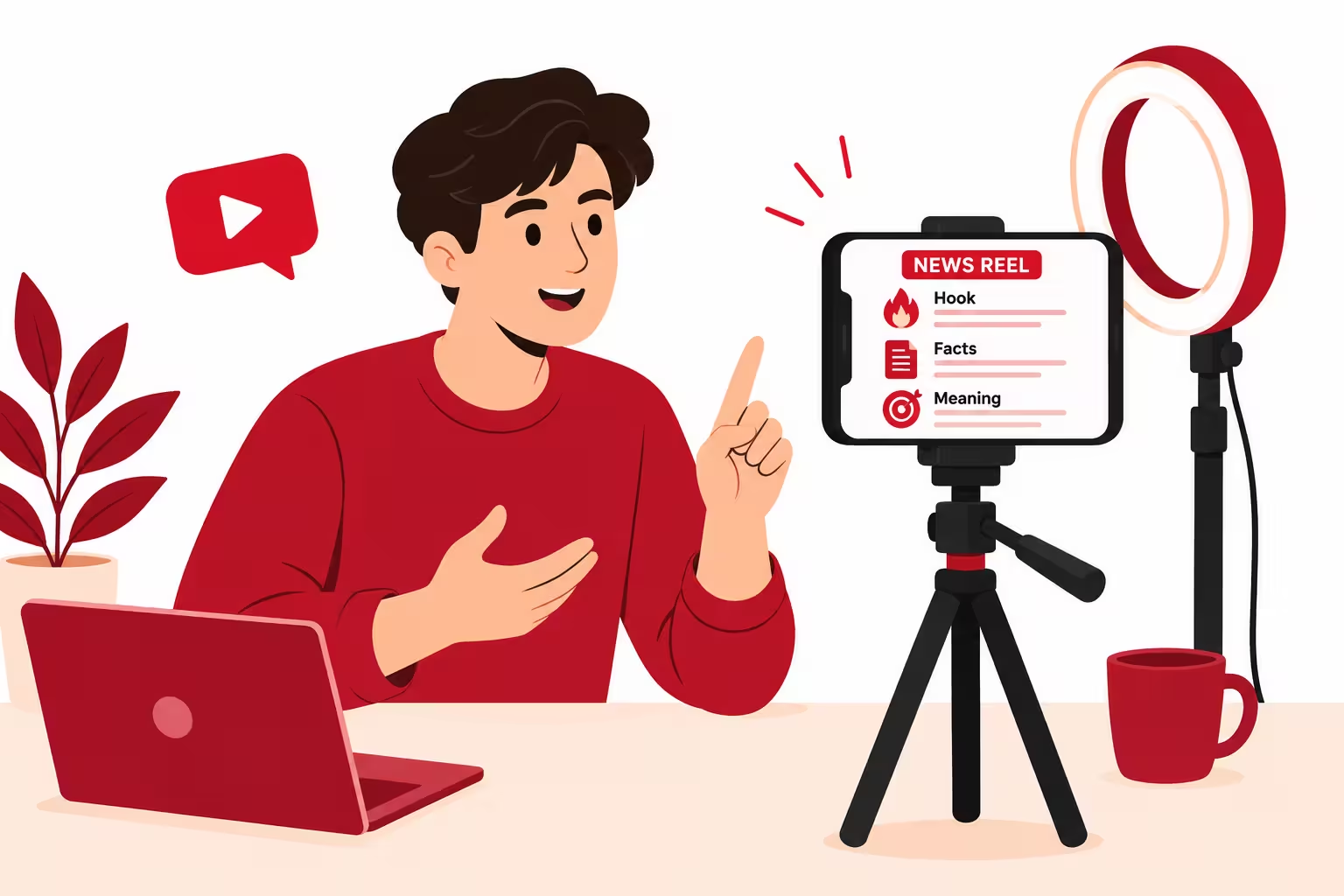
Use this simple shape for every news reel:
- Hook, first 3 seconds: ask a question. For example, "What changed for small creators today?"
- Three facts: say them in your own words, with text on screen that you wrote yourself.
- One line on meaning: what does this mean for the viewer?
- End question: ask viewers what they think will happen next. This is a real question, not a trick to force a comment.
You do not need a fancy studio. A clean background, clear voice and readable text are enough at the start. If you show your face or use your own voice, trust grows faster, because people can see a real person behind the news. If you do not want to show your face yet, use your own voice over clear visuals you made yourself, and keep the same style in every video.
How a reel builds trust and authenticity
A reel builds trust when it is honest, consistent and human.
- Say your source on screen or in your voice. Do not present a rumour as a confirmed fact.
- Say what is still unclear, if something is still unclear. Honesty builds more trust than fake confidence.
- Use the same logo, colours and style in every video. People start to recognise you.
- Correct mistakes openly. If you said something wrong in a video, post a short correction. Do not quietly delete it and hope no one noticed.
- Do not use a misleading thumbnail or headline. A click you get by lying is a viewer you lose forever.
The read more link trick, done the right way
Your social post should make people want the full story. Your website has the full story. Here is how to connect them without spamming:
- Facebook: put the website link in the post and also pin it as the first comment, so it stays easy to find.
- YouTube: put the link in the description and pin it in the comments.
- Instagram: put the link in bio, and say "link in bio for the full story" in the caption or video. Use a story link when Instagram gives you that option.
- TikTok: put the link in bio when TikTok allows it for your account, and teach the news in the video. Do not use "comment a word for the link" bait on TikTok. That pattern has caused warnings and strikes for creators, and it can hurt your account. On TikTok, the video itself must be valuable, even if the viewer never clicks away.
Do not paste your link in the comments of other people's posts. That is spam. Do not post the same link 20 times a day. One clear link per story is enough.
Step 7: Google setup, SEO, sitemap and Analytics
SEO means search engine optimisation. In plain words, it means helping Google understand your site and show it to the right people. You do not need to be an expert. You need the basics done correctly.
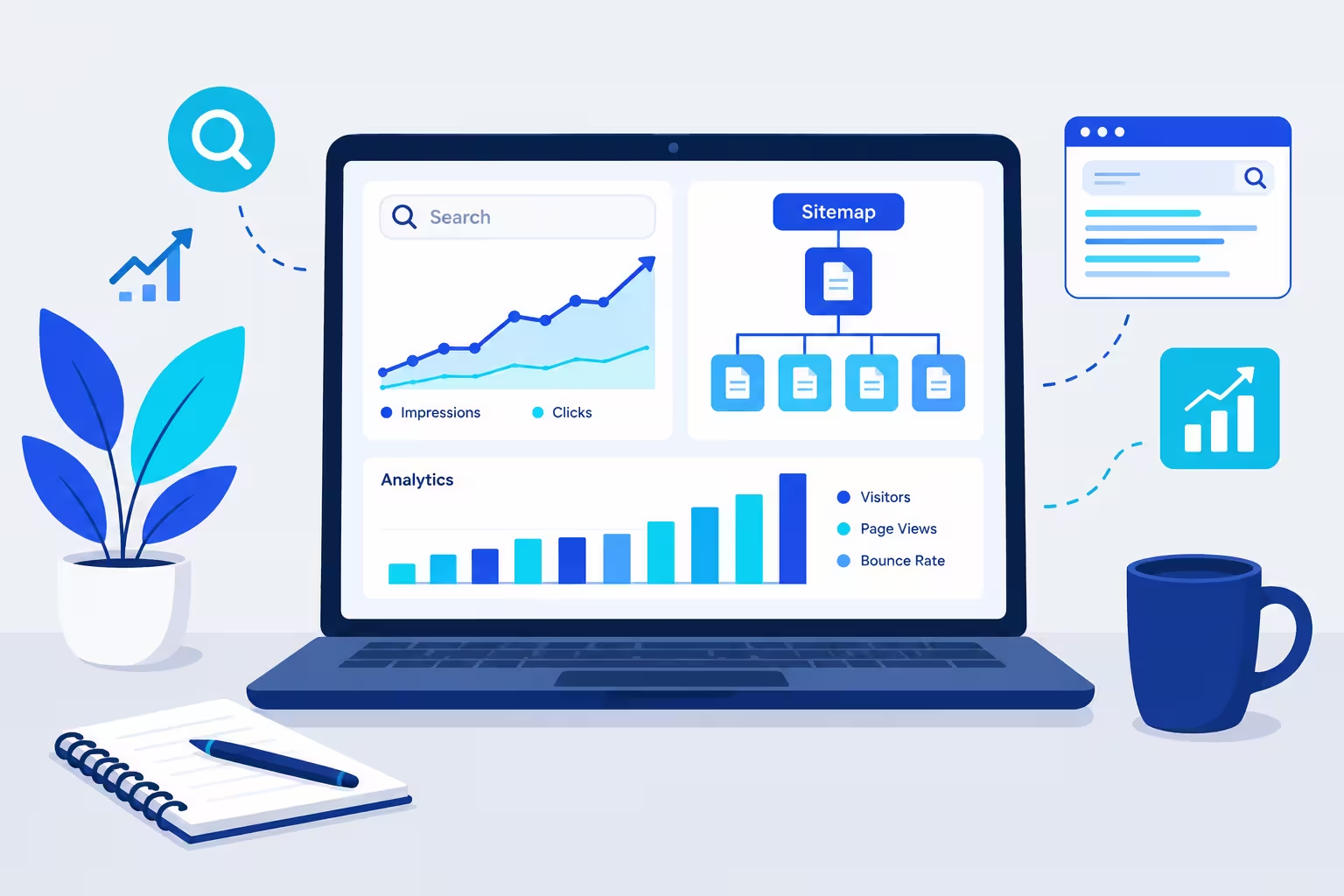
Google Search Console
Search Console is a free Google tool that shows how Google sees your site.
- Go to Google Search Console and add your domain as a property.
- Verify ownership. You can do this with a DNS record or with an HTML tag on your homepage, depending on what your host allows.
- Submit your sitemap, which is explained below.
- Check the Coverage and Performance reports once a week. Fix errors, like pages Google cannot open or pages with broken links.
Sitemap and robots file
A sitemap is a map of your site for Google. It lists your pages so Google can find them faster.
- Your main sitemap is usually at yoursite.tech/sitemap.xml. If you use a website builder or a plugin, it may make this file for you. If you build a static site, you need to make it or use a simple sitemap generator.
- Check that your sitemap actually lists your article URLs. A sitemap that only lists your home page does not help your articles get found.
- Your robots file is at yoursite.tech/robots.txt. It tells search engines which parts of your site they may visit. Keep it simple. Do not block your articles by mistake.
- Submit both in Search Console.
News sitemap for Google News
A news sitemap is different from a normal sitemap. It only lists articles from the last 48 hours. It helps Google find fresh news fast.
Each entry needs the article link, the publication name, the language, the publication date and the article title. The date must be the real first publication date, not the date you added it to the sitemap. After 48 hours, remove the article from the news sitemap. It can stay in your normal sitemap.
Google News Publisher Center
Publisher Center is where you can set up a publication for Google News. Here is the honest part: Publisher Center does not guarantee that Google News will show your site. Google can find eligible news content on its own, and Publisher Center is a tool to help it understand your publication, not a magic approval button.
To set it up:
- Go to Publisher Center and sign in with the same Google account you use for Search Console.
- Add a publication, with your verified website property and your location.
- Add your logo, sections and publication details.
- Make sure your site has clear author bylines, an About page, a Contact page and a Corrections Policy. Google News values transparency, accuracy and honest headlines.
Building a track record takes weeks to months of consistent, well structured publishing. Do not expect Google News traffic in week one.
Google Analytics
Analytics shows you what readers actually do on your site. The current version is called GA4.
- Make a GA4 property and add its tracking code to every page of your site.
- Check which articles get traffic, where readers come from, and how long they stay.
- Use this data to decide your next beat. If tech explainers get readers and short rewrites do not, write more explainers.
Do not share your Analytics login with strangers. Do not buy traffic to impress Analytics. Fake traffic can hurt AdSense later.
Simple SEO for every article
- One H1 per page. The H1 is the main headline on the page. For this guide, the H1 is the long headline at the top.
- Use H2 for main sections and H3 for smaller parts inside them.
- Write a title and meta description that match the article. Do not use a title that promises something the article does not give.
- Add internal links. Link a new article to an older related article on your site. This helps readers and helps Google understand your site.
- Add alt text to every image. Alt text is a short description of the image for people who cannot see it and for search engines. For example, alt text for a news photo could be "Crowd outside a tech event in Lahore" if that is what the image really shows.
- Compress images before you upload them. Large images make your site slow, and slow sites lose readers.
- Make sure your site works on a phone and loads fast. Most social traffic comes from phones.
Step 8: AdSense setup and policies, in plain words
AdSense is Google's program that shows ads on your website and pays you a share when readers see or click those ads. It is not a salary. It pays based on traffic, advertiser demand and the country of your readers. Earnings are not guaranteed, and they are before tax. Keep your own records from day one.
Who can apply
Google's official checks are simple:
- You have your own unique, high quality content.
- Your site follows AdSense program policies.
- You can access your site's HTML code to add the AdSense code.
- You are at least 18 years old. If you are under 18, a parent or guardian can apply with their own Google account, and payments go to that adult.
- You have only one AdSense account per publisher. Do not make a second account to get around a rejection.
Google does not publish a fixed minimum number of posts, a fixed word count, a fixed traffic number or a fixed site age. Many guides give numbers like 15 to 20 posts, and that is useful as a practical target, not as an official rule. A site with a handful of short posts is usually rejected because Google cannot judge its quality, not because it missed a magic number.
As a practical target before you apply, aim for:
- 15 to 20 full, original articles in your beat, not short rewrites.
- About, Contact, Privacy Policy, Terms and Disclaimer pages, all working.
- A clean menu, no broken links, no empty categories.
- Consistent publishing in the weeks before you apply, not 20 posts in one day and then silence.
- Real traffic from search or social media, even if it is small at first. Traffic proves people actually find your site useful.
How to apply, step by step
- Sign in to AdSense with your Google account.
- Add your site and copy the AdSense code to your site's HTML.
- Submit your site for review.
- Wait. Review usually takes a few days, but Google says it can take two to four weeks.
- If you are approved, place ads in sensible spots. Do not cover your content with ads. Do not place ads so close to buttons that readers click them by mistake.
- Add your payment details correctly, including your bank details and tax information when AdSense asks for them. Check the payment threshold shown in your own AdSense account, because it can vary by country and currency.
AdSense policies you must not break
These are the rules that cause most problems for news sites:
- Original content only. Do not copy news articles, even if you change a few words. Do not copy photos or videos you do not have permission to use. AdSense policy is against showing ads next to copyrighted material you do not have authorisation to use.
- No low value content. Mass AI posts with no human editing, no added value and no original explanation are low value. Your editing and your explanation are what make a post valuable.
- No misleading headlines. A headline must match the article. A shocking headline for a normal story is clickbait, and it breaks trust.
- No misinformation. For news, this is critical. Do not publish a false claim as news. Correct mistakes openly.
- No dangerous or hateful content, no illegal content, and no content that encourages harmful behaviour. Keep your news beat clean and advertiser friendly.
- Never click your own ads. Never ask friends or family to click your ads. Never use bots or paid traffic to click ads. This is called invalid traffic, and it can get your account closed.
- No ads on pages with no content, like a page that only says "coming soon" or a page that is just a list of links.
- Privacy Policy must be real. It must explain cookies and data collection, including Google's use of cookies for ads.
- Do not place ads on a site that is still under construction, with placeholder text and broken pages. Finish the site first.
If AdSense rejects you
A rejection is common for new sites. It is not the end. Read the reason Google gives you, fix that reason, and only then reapply.
- Low value content: write fuller articles, add your own explanation, remove thin rewrites, and publish consistently for a few weeks before you try again.
- Site not ready: fix broken links, finish legal pages, fix your sitemap, and make sure Google can open every page.
- Policy violation: remove the violating content completely, do not just hide it, and check the rest of your site for the same problem.
- Duplicate account: do not make a new account. Fix the original account issue first.
Do not reapply the next day with no changes. That wastes your review and teaches you nothing.
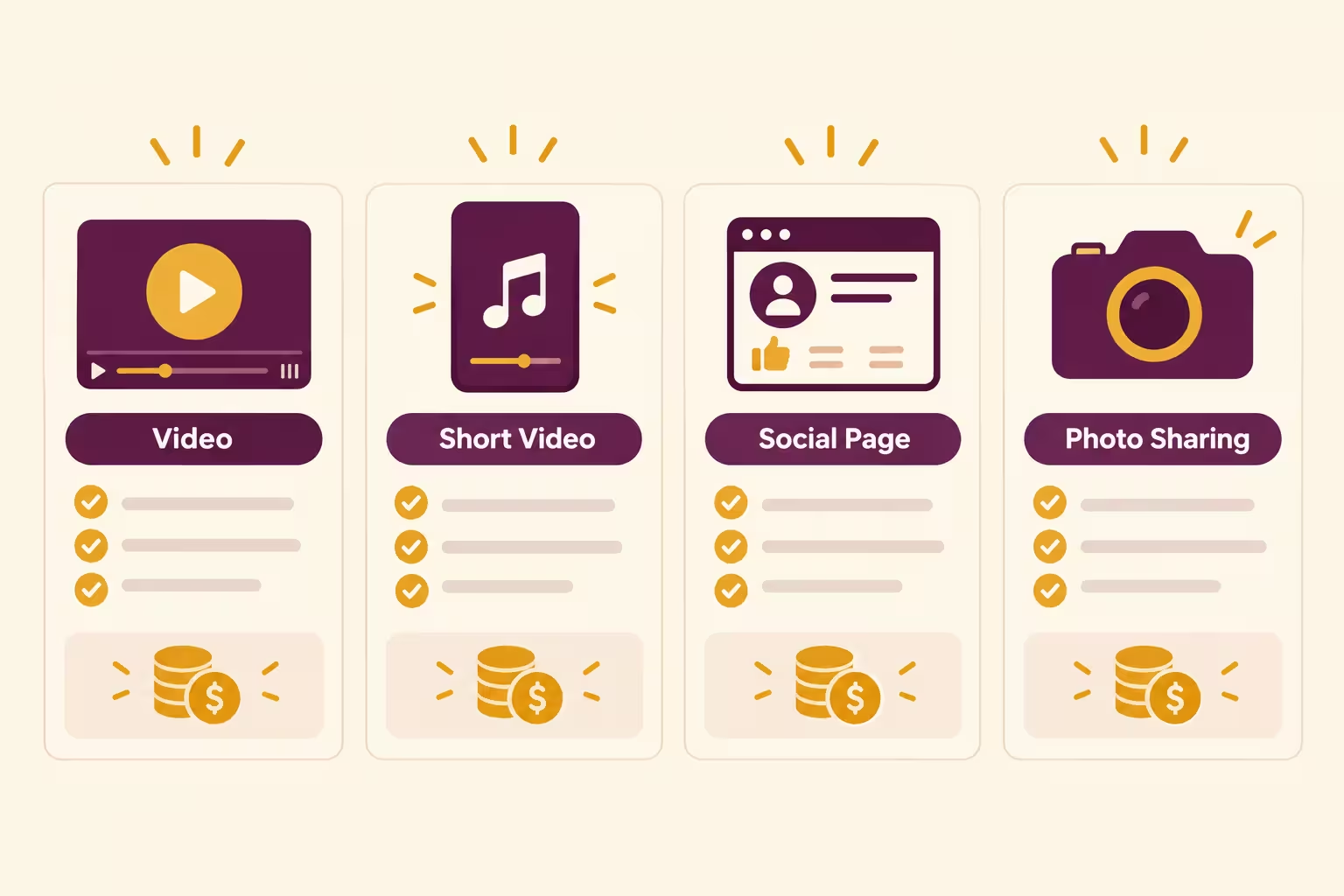
Step 9: How you actually earn, platform by platform
This is the part most guides get wrong, because they copy old thresholds or they promise income that does not exist in your country. Below are the current rules as checked on 26 October 2026. Always check the official page before you plan around a number, because platforms change their rules.
1. Website and AdSense
You earn when readers visit your website and see or click ads. More real readers means more chances to earn, but there is no fixed pay per visit. Pay depends on the advertiser, the topic, the reader's country and the time of year. News traffic can be high on a big story day and low on a quiet day. That is normal.
Your job is not to chase clicks. Your job is to build a site people trust and return to. Trust brings repeat traffic, and repeat traffic is more stable than one viral day.
2. YouTube monetization
YouTube pays through the YouTube Partner Program, called YPP. Views alone do not pay you. You must join YPP and be accepted, and then ads must run on your videos.
As of late 2026, YouTube has two tiers:
Early access, for fan funding only, no ad revenue yet:
- 500 subscribers
- 3 public uploads in the last 90 days
- Either 3,000 public watch hours in the last 12 months, or 3 million valid Shorts views in the last 90 days
Full monetization, for ad revenue and Premium revenue share:
- 1,000 subscribers
- Either 4,000 valid public watch hours in the last 12 months, or 10 million valid public Shorts views in the last 90 days
- No active Community Guidelines strikes
- Two step verification on your Google account
- A linked AdSense account in good standing
Important change to plan for: YouTube announced on 10 August 2026 that for new applicants from 1 February 2027, the full bar will rise to 1,000 subscribers plus either 8,000 watch hours or 20 million Shorts views. Channels already in YPP are not affected by that change, according to the announcement summaries. If you are close to the current bar, aim to apply before that date if you can do so honestly, without buying watch time. Bought watch time does not count, and ad campaign views do not count toward YPP thresholds.
For a news channel, there is one more rule that decides many applications: reused content. If you just read news articles aloud, or you reuse clips from news channels without adding your own commentary, analysis or original visuals, YouTube can reject you for reused content. Your commentary, your explanation, your own graphics and your own take are what make the video yours. A news Short that only repeats a headline is weak. A Short that explains what changed and why it matters is strong.
3. TikTok monetization, the honest version
TikTok's main view payment program is called the Creator Rewards Program. As of October 2026, to join it you need:
- To be at least 18 years old
- A personal, public account in good standing
- At least 10,000 followers
- At least 100,000 video views in the last 30 days
- Original videos at least one minute long, with at least 1,000 qualified For You feed views per video
- To be based in an eligible country
The eligible countries listed in October 2026 are the United States, the United Kingdom, Germany, Japan, South Korea, France, Mexico and Brazil. Pakistan is not on that list.
That means a Pakistan based TikTok account gets zero dollars from TikTok itself for views, even with millions of views. This is not a guess. It is the program's own country rule, and it matches the correction many Pakistani creators have learned the hard way.
So how does TikTok still help you earn? In three real ways:
- Brand deals you arrange yourself. A local or online brand pays you to promote a product, with clear disclosure. This works in Pakistan because the brand pays you directly, not TikTok.
- Traffic to your website and YouTube. TikTok brings viewers who then read your website, where AdSense can pay, or watch your YouTube channel, where YPP can pay.
- Affiliate or product promotion where it is available and allowed, with honest disclosure.
Do not try to fake a foreign account to get TikTok view pay. TikTok checks account signals, not just the country you type in your profile. A fake location, a foreign SIM trick or a bought account can lead to a ban, and payout usually needs a payment method like PayPal, which does not serve Pakistan in the normal way. That path risks your whole account for money you may never be able to withdraw.
Use TikTok for reach, trust and traffic. Count its direct view pay as zero if you are in Pakistan, and build your income on your website and YouTube instead.
4. Facebook monetization
Facebook's main program in 2026 is called Facebook Content Monetization. It replaced the old separate programs for in stream ads, ads on Reels and the Performance Bonus. Those old programs ended in 2025 and, for live in stream ads, in June 2026.
Content Monetization is invite only. Meta does not publish a simple follower minimum for it in its current help pages. Eligibility depends on policy compliance, account criteria, content performance, and being in a supported country and language. You check your own status in Meta Business Suite, under Monetization, then Eligibility. Do not trust a random video that promises a fixed follower number for this program, because Meta changes it and invites are not automatic.
Stars are separate and simpler. Stars let viewers send you virtual gifts during live videos and on some content. As of 2026, Stars generally need:
- To be at least 18 years old
- At least 500 followers held for 30 consecutive days
- A Page or a professional profile
- Compliance with Community Standards and Partner Monetization Policies
- To be in a Stars supported country
Brand deals on Facebook work like brand deals on Instagram. A brand pays you directly, and you must use the paid partnership label when the post is paid. That income does not depend on Meta inviting you to Content Monetization.
For a news Page, the same original content rule applies. Do not repost other people's news clips and call them yours. Meta can demonetize unoriginal content, even if it gets views.
5. Instagram promotions
Instagram does not pay most creators for views in the way YouTube does. Instagram promotions mean brands pay you.
How it works in plain words:
- You build a trusted audience in one news beat.
- A brand that wants that audience contacts you, or you pitch the brand with a media kit.
- You agree on price, content, date and usage rights. Usage rights mean whether the brand can reuse your video in its own ads, and for how long.
- You make the post, you add the paid partnership label, and you say clearly that it is paid.
- The brand pays you directly, usually by bank transfer or another agreed method.
Your media kit is a short document for brands. It should have your bio, your niche, your follower count, your engagement rate, your audience age and location if you know it, examples of your best work, and your prices for a Reel, a Story and a feed post.
Brands care more about engagement than follower count alone. Engagement means real comments, shares, saves and watch time, not just likes. A small account with loyal readers can get brand deals before a large account with silent followers.
Instagram also has subscriptions and gifts in some countries and for some accounts, usually with a professional account, age 18 or older, and around 10,000 followers for most features. Check your Professional Dashboard to see what is available for your account. Do not count these as guaranteed income at the start. Brand deals and traffic to your website are more realistic first steps.
6. X is for research, not for main income
Use X to find news fast, as explained in Step 4. Do not build your income plan on X view pay if you are in Pakistan, because X Creator Revenue Sharing payouts do not include Pakistan on its payout list. X can still help you build authority and drive readers to your website, but your main income stays with your website and YouTube.
Step 10: How AI helps in content, post and reel generation
AI is best when you give it a clear job and then you edit the result. Here is how to use it for each job, without letting it publish for you.
Website generation
Ask AI for structure, not for finished truth. Ask for a homepage layout, a menu, a footer, a simple article template and clean CSS. Then you add your real name, your real beat, your real articles and your real contact details. Test the site on a phone and on a laptop. Fix any link that does not work.
Article generation
Give AI verified facts and ask for a simple draft. Then do the human check:
- Are all dates, names and numbers correct?
- Is every sentence in your own words, not copied from the source?
- Did you add why it matters and what happens next?
- Did you remove fancy words and long sentences?
- Did you add the source link and the publication date?
If the draft fails any of these checks, fix it before you publish. Do not publish a draft you have not read.
Post generation
AI can give you 3 caption options for one story. Pick the clearest one, then adapt it for each platform. Facebook gets the longer version with a discussion question. Instagram gets the short version with link in bio. YouTube gets a title that is the news question. TikTok gets a caption that teaches, not a bait caption.
Reel script generation
Ask AI for a 30 second script with a hook, three facts and a closing question. Then read it out loud and time it. If it sounds like a robot, rewrite it in your own speaking style. Change any fact that is wrong. Add your own line on what it means for the viewer. That line is the part viewers remember.
A simple rule for all AI use
AI writes the first draft. You write the final version. If you cannot explain a sentence in your own words, delete that sentence or rewrite it until you can. That rule alone will keep your site human, clear and safe for AdSense.
Step 11: Mistakes that kill a news blog
Learn these now, so you do not learn them after a strike or a rejection.
- Copying news articles, photos or video clips. This hurts AdSense, YouTube and Facebook at the same time.
- Publishing unverified breaking news to be first. Being first with a wrong story is worse than being second with a correct story.
- Using a misleading headline to get clicks. Readers leave fast, and platforms notice.
- Buying followers, views or watch time. Bought numbers do not count for monetization, and they can get your account flagged.
- Clicking your own ads or asking friends to click them. This can close your AdSense account.
- Posting the same caption and same link everywhere, every hour. That looks like spam, not like news.
- Covering all news at once. You will burn out in two weeks and your site will look unfocused.
- Stopping after one week because no money came in. A news site needs months of steady work before income becomes real.
- Using AI without editing. A site full of unedited AI drafts looks low value to Google and to readers.
- Hiding a paid deal. Always label a brand post as paid. Trust is your only long term asset.
Your first 30 day plan
Week 1, setup:
- Pick your beat and your brand name.
- Get your domain and hosting, and connect them.
- Build Home, About, Contact, Privacy Policy, Terms, Disclaimer and Corrections pages.
- Set up Search Console, sitemap, robots file and Analytics.
- Make your TikTok, Instagram, YouTube and Facebook accounts with the same name.
Week 2, first articles:
- Publish 5 full articles, not 5 short rewrites.
- Make one short video for each article.
- Post each video with a platform specific caption.
- Check Search Console for errors and fix them.
Week 3, rhythm:
- Publish 3 articles per week, not daily thin posts.
- Make a short video for each article on the same day.
- Reply to comments honestly. Do not argue with readers. Correct a mistake if you made one.
- Check Analytics. Which article got real readers? Write more like that one.
Week 4, review:
- Check your sitemap, your site speed on a phone, and your broken links.
- If you have 15 to 20 full articles and all legal pages working, you can consider AdSense. If not, keep writing. Do not rush the application.
- Set up Publisher Center if your site is ready, but remember it does not guarantee Google News traffic.
- Plan your next month. Three good posts per week beats seven rushed posts per week.
After 30 days, keep the same rhythm for 90 days. That is how a small news brand becomes a trusted brand.
Frequently asked questions
Can I start a news website for free?
Yes, at the start. You can get a free .tech domain for one year through a promo, and free hosting through Cloudflare Pages or Netlify. You will need to pay for renewal after the free year if you want to keep the domain, so plan for that cost from day one.
Can I copy news from big websites and rewrite a few words?
No. That is thin content and it can hurt AdSense approval. It can also be a copyright problem if you copy photos or video. Write in your own words, add why it matters, add what happens next, and link to the original source.
Can I use AI to write all my articles?
AI can help with a first draft, but you must edit every article, check every fact, and add your own value. A site full of unedited AI posts is low value content, and Google has rejected sites for exactly that pattern.
When will I start earning?
There is no fixed date. AdSense needs approval first, and approval needs a ready site with full original articles. YouTube needs subscribers and watch hours. Facebook Content Monetization is invite only. TikTok view pay is not available for Pakistan based accounts. Plan for months of steady work, not days.
Why does TikTok not pay me for views in Pakistan?
Because the Creator Rewards Program only covers a small list of countries, and Pakistan is not on that list as of October 2026. You can still earn from TikTok through brand deals and through traffic to your website and YouTube, but do not count TikTok view pay as income if you are in Pakistan.
Do I need to show my face in reels?
No, but it helps trust grow faster. If you do not want to show your face yet, use your own voice and your own visuals, keep the same style, and be honest about your sources. A real voice and a consistent style still feel human.
What if I get a news story wrong?
Correct it fast and openly. Update the article with the new date and note what changed. Post a short correction video if the mistake was in a video. Readers trust a creator who corrects mistakes more than one who hides them.
Is one story enough for a website post, a social post and a reel?
Yes, if the story is important enough to explain fully. One full article, one adapted post per platform, and one short video is a complete day of work. Do not stretch a weak story into three pieces. Pick a stronger story instead.
Final checklist before you publish your first story
- Is the story verified from at least two sources, or have I clearly said it is from one source only?
- Is the article in my own words, with why it matters and what happens next?
- Does the headline match the article, with no exaggeration?
- Have I added the date, the author name and the source link?
- Have I made a short video with my own words and my own visuals?
- Have I adapted the caption for each platform, and used the link method that fits that platform?
- Is my site fast on a phone, with no broken links?
- Am I ready to correct the story openly if new facts come in?
If you can say yes to all eight, publish it. Then do it again tomorrow, with the next story in your beat.
Earnings disclaimer
Earnings from AdSense, YouTube, Facebook, TikTok and Instagram are not guaranteed. They depend on traffic, advertiser demand, platform rules, your country, your niche and your consistency. Figures in this guide are rules and thresholds, not promises of income. Any income you earn is before tax. Keep your payment records, follow tax rules in your country, and do not spend money you have not earned yet on the promise of future views.
Start free, pick one beat, write in your own words, publish on your website first, and turn each story into a clear short video. Do that steadily for 90 days, and you will have something real to judge, a site, an audience and a track record, instead of just another idea.
Note on sources and dates: Platform rules in this guide were checked on 26 October 2026 from public help and program pages and recent program summaries. YouTube, TikTok, Facebook, Instagram, AdSense and Google News change their rules often. Check the official program page on the day you apply, and use the status shown in your own account, in YouTube Studio, TikTok Studio, Meta Business Suite and AdSense, as the final word for your account.
Share this article
Link copied to clipboard!