


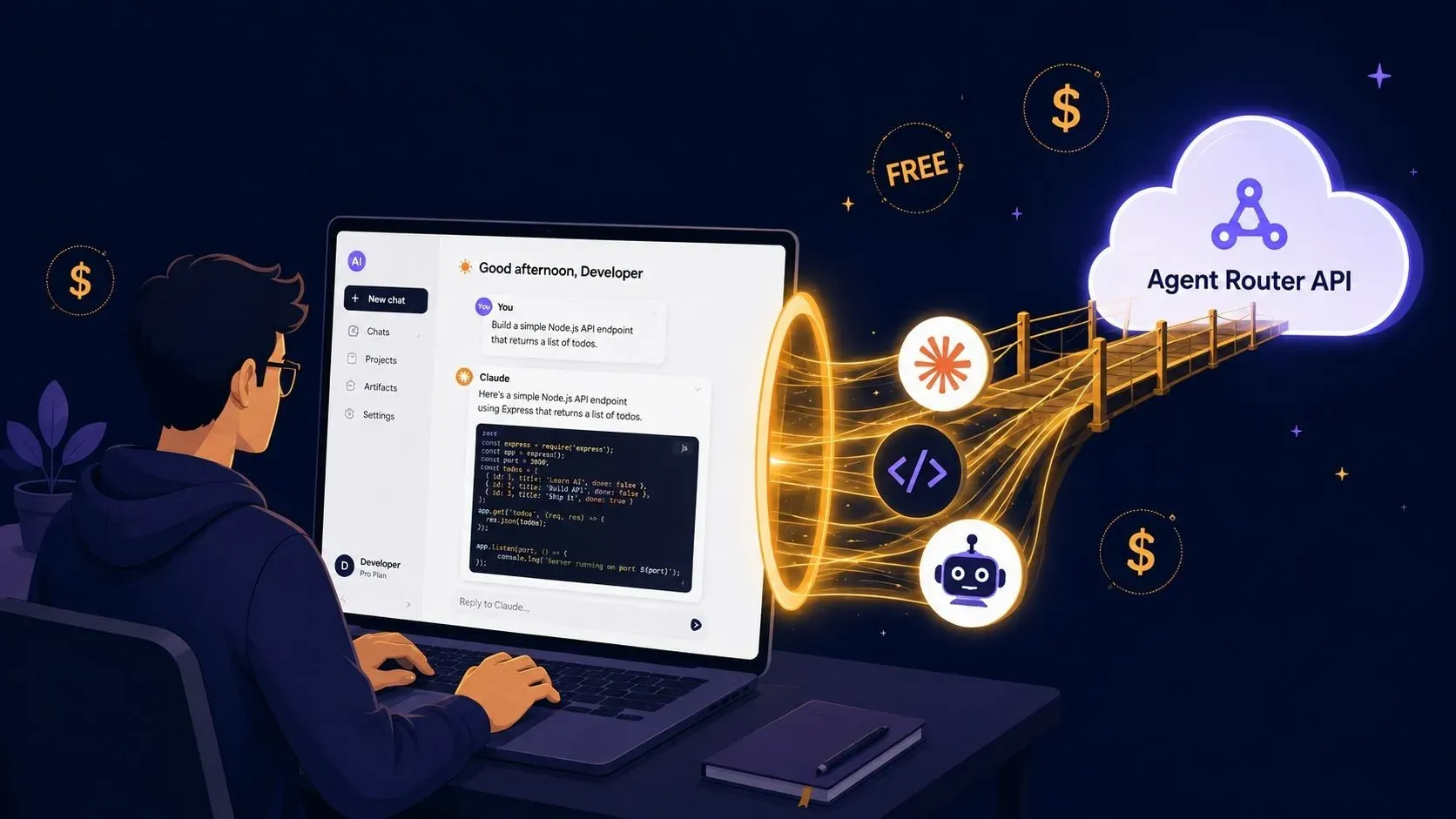
You want to use premium Claude AI models for coding and development, but the paid plans require a monthly subscription. You can bypass this restriction using a third-party API gateway called Agent Router.
This method provides free API credits so you can build web applications, execute complex coding tasks, and access advanced models without paying.
Here is the complete process for setting up the Agent Router gateway inside your Claude desktop application.
What Do You Need to Start?
Before configuring the software, make sure you have:
- A GitHub account: Your profile should ideally be 6 to 8 months old. Freshly created accounts sometimes fail to trigger the free credit allocation.
- The Claude Desktop App: Downloaded and installed on your Windows or Mac computer.
- A Free Google Account: To sign into the Claude interface initially.
Step 1: Claim Your Free Agent Router Credits
First, you need to create your gateway account to secure your API balance.
- Go to the Agent Router website (agentrouter.org).
- Click the signup button.
- Choose the Sign up with GitHub option.
- Once you log in, check your dashboard. You will see a starting balance of $175 in free API credits.

Step 2: Prepare the Claude Desktop App
If you do not have it yet, download the Claude desktop client from the official website.
Install the software and sign in using a standard free Google account. When the app opens, look at the interface. It should clearly indicate that you are currently on the Free Plan.
Step 3: Enable Developer Mode
You need to unlock Claude's hidden developer settings to change how the application processes your prompts.
- Click the three horizontal lines (menu icon) on the top left side of the Claude app.
- Click on Help.
- Select Troubleshooting.
- Click Enable Developer Mode.
- A confirmation popup will appear. Click Enable.
- The application will refresh and restart automatically.

Step 4: Configure Third-Party Inference
Once the app restarts, the menu options will look slightly different.
- Click the top-left menu icon again.
- You will now see a new Developer option. Click it.
- Select Configure Third-Party Inference.
- Leave the primary setting on the default Gateway option.
Step 5: Connect the API Keys
You must fill out a specific configuration form to link your Agent Router credits to the Claude app. Follow these exact settings:
- Credential Kind: Click the dropdown and select Static API Key.
- Gateway Base URL: Open your Agent Router dashboard in your web browser. Copy the base URL provided on the main page and paste it into this field.
- Gateway API Key: In Agent Router, navigate to API Tokens and click Create Token. Type a name for your token (for example, "Claude Free"). Turn the Unlimited Quota toggle ON, then click submit. Copy the generated token and paste it into the Claude app.
- Gateway Auth Scheme: Click the dropdown and select Bearer.
Once all fields are filled, click Apply Changes, followed by Save and Restart.

Step 6: Verify the Setup
When Claude opens again, check your plan status. Instead of saying "Free Plan," the interface will now display a message stating you are using a gateway.
You now have access to premium models and can adjust processing settings—like Low, Medium, High, or Max effort—just like a paid subscriber.
Practical Example: Building a To-Do App
Let's test the connection to ensure the API is drawing from your free credits correctly.
- Create an empty folder on your desktop called To-Do App.
- In the Claude app, select that folder as your working directory.
- Type this exact prompt: "Build a simple modern to-do web app where I can add, complete, delete, and filter tasks with a clean responsive UI."
- Press enter.
Because you are routing through the API, the model will generate the complete front-end code and build a functioning application.

How to Monitor and Increase Your Credits
Building applications consumes API tokens. You can track your exact spending and earn more credits directly inside Agent Router.
Check Your Usage Logs
Navigate to the Use Log section in your Agent Router dashboard. This screen shows exactly which model you used, the time of the request, and the total cost. For example, generating the complete To-Do app usually deducts around $5 from your initial $175 balance.
Get More Free Credits
When your balance runs low, click on the Wallet section in Agent Router. Copy your unique invitation link and share it. When a friend signs up using your link, they receive a $50 bonus, and your account receives a $150 credit reward.







Leave a Comment
Your comment is completely private and secure. We never publish comments publicly on our website. Your message will be sent directly to our team.