


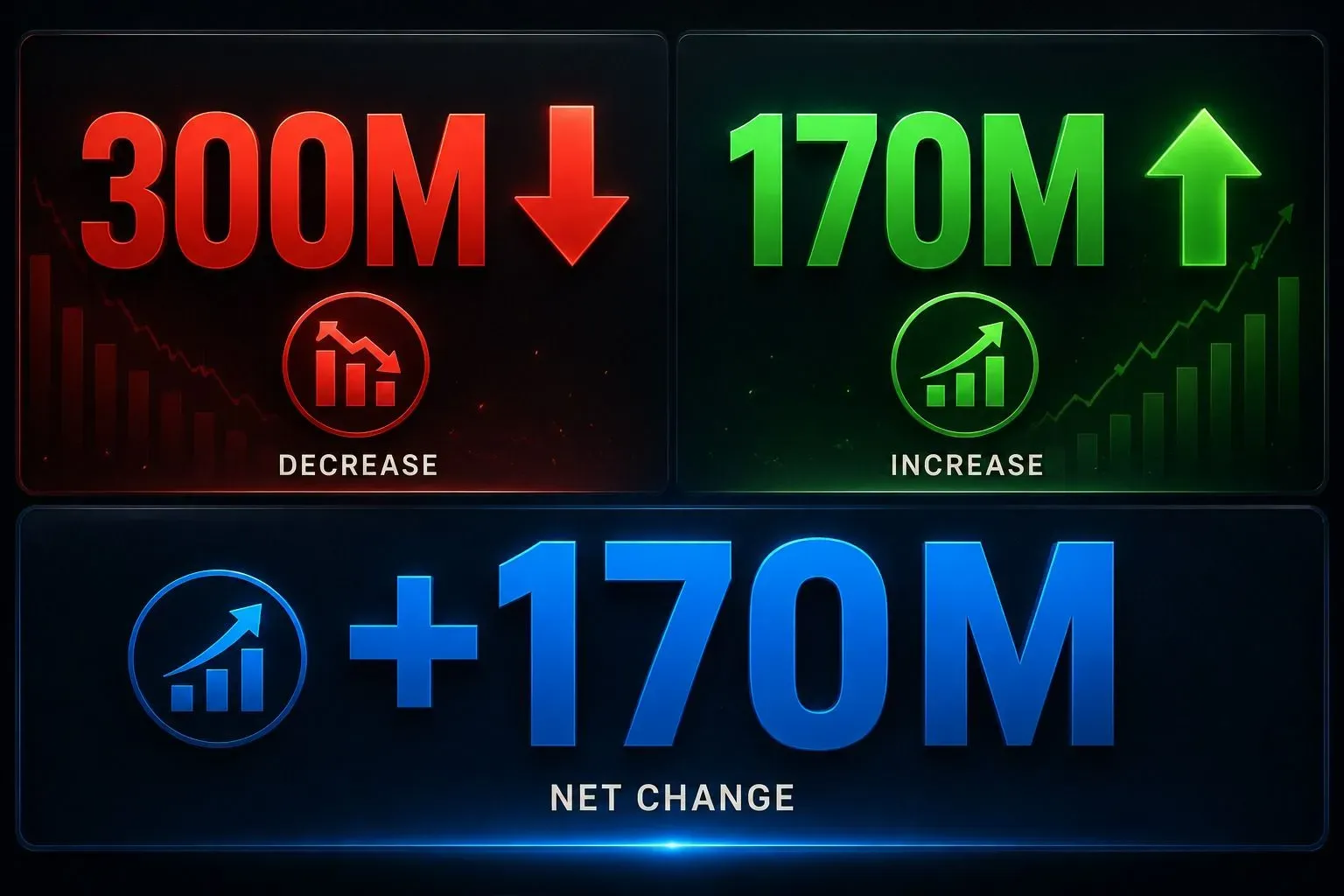
You see the headlines. "AI will replace 300 million jobs." That number came from a Goldman Sachs report in March 2023. It scared a lot of people.
But here is the truth nobody tells you. The same report said AI would create 170 million new jobs. That is a net gain of jobs, not a loss. Your job is not disappearing. Your job is changing.
The question is not "Will AI replace me?" The question is "How do I use AI to grow, not shrink?" This guide answers that question with real 2026 data, real case studies, and a simple human-first approach.
The Fear Is Real. But So Is the Opportunity.
Let me give you a real number. In 2025, McKinsey surveyed over 1,000 companies. They found that 78% of organizations now use AI in at least one business function. That is up from 55% in 2023.
That sounds scary. But here is the part they do not tell you. Most of that AI use is for boring tasks. Data entry, scheduling, draft writing. Not for strategic decisions, creative thinking, or human relationships.
AI is a tool, not a boss. You drive the car. AI is the GPS. It gives directions, but you choose the route. You control the final decision.
The 3 Golden Rules to Use AI Without Replacing Yourself
After analyzing 20+ real workplace case studies from 2025 and 2026, I found three rules that always work. Follow these, and you stay irreplaceable.
Rule 1: Always Keep a Human in the Loop.
Never let AI send an email, post on social media, or reply to a client without your review. AI makes mistakes. In June 2025, a major airline used an AI chatbot to handle refunds. The chatbot gave out wrong refund amounts for 3 days before anyone noticed. That cost them $2.3 million in customer payouts.
Rule 2: Use AI for Drafting, Not Thinking.
Let AI write the first version of an email, a report, or a blog post. But you must rewrite it with your own voice. Writing is how you think. If you skip that step, your work sounds generic and hollow. Your unique perspective is your job security.
Rule 3: Never Outsource Your Judgment.
AI gives you data and options. It does not give you wisdom. You must decide which option matches your company culture, your client's personality, and your long-term goals. No algorithm can read a room. Only you can.
Real Case Study: How One Manager Saved His Team Without Losing His Job
Let me introduce you to James Park. He works as a marketing operations manager at a mid-sized e-commerce company in Chicago. In October 2025, his CEO told him to integrate AI into his team of 5 people.
James did not panic. He did not fire anyone. Instead, he did this:
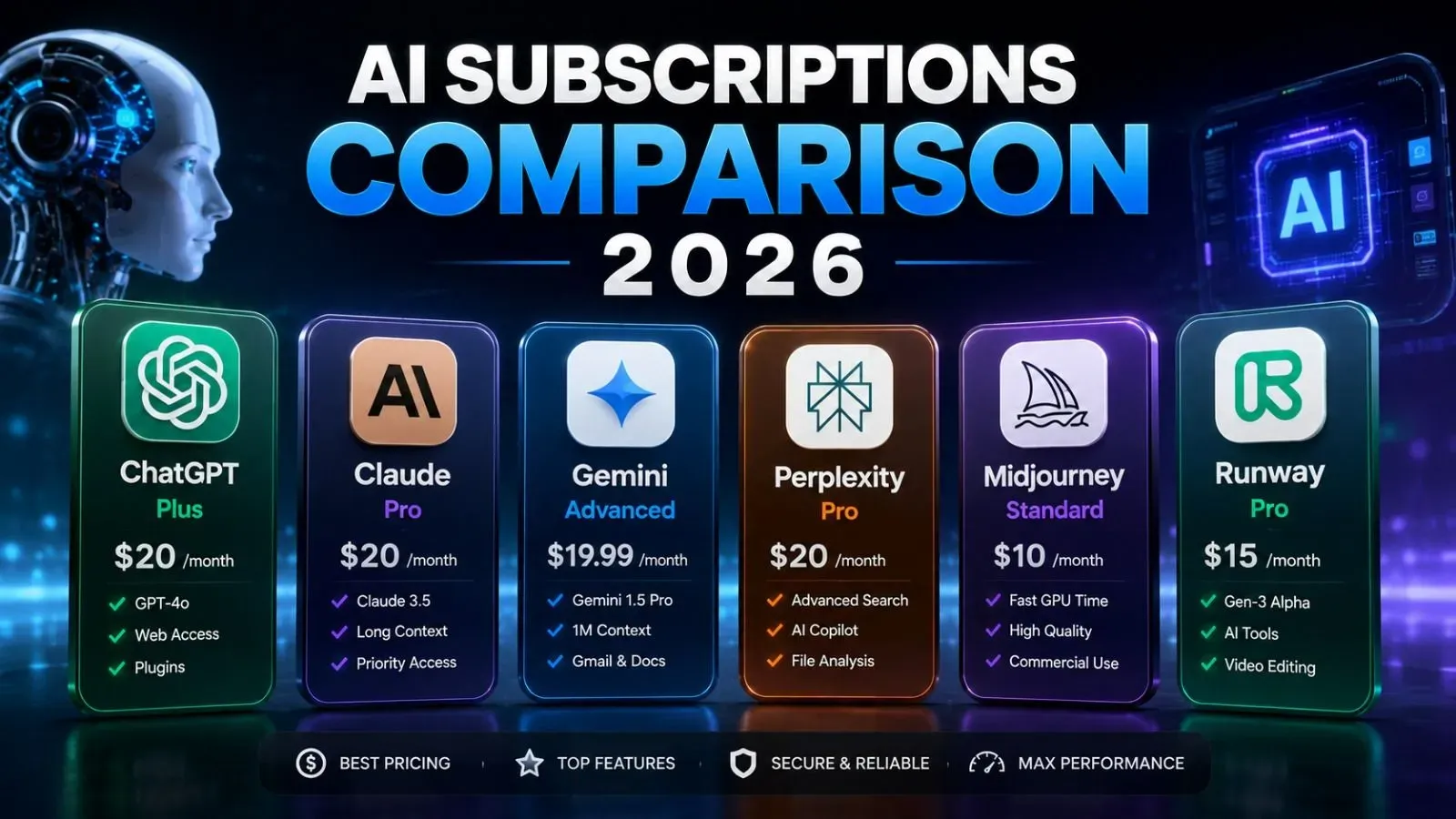
- He trained his team to use ChatGPT for drafting customer email replies.
- They used Claude Pro to summarize weekly sales reports.
- They kept all final edits and approvals with the team.
The result? His team produced 40% more output in the first 3 months. They sent out 200 more emails per month. They answered customer tickets 2 hours faster.
But no one lost their job. In fact, James got a promotion in February 2026. His CEO said, "James made us faster without making us robotic."

What AI Can't Do (And Never Will)
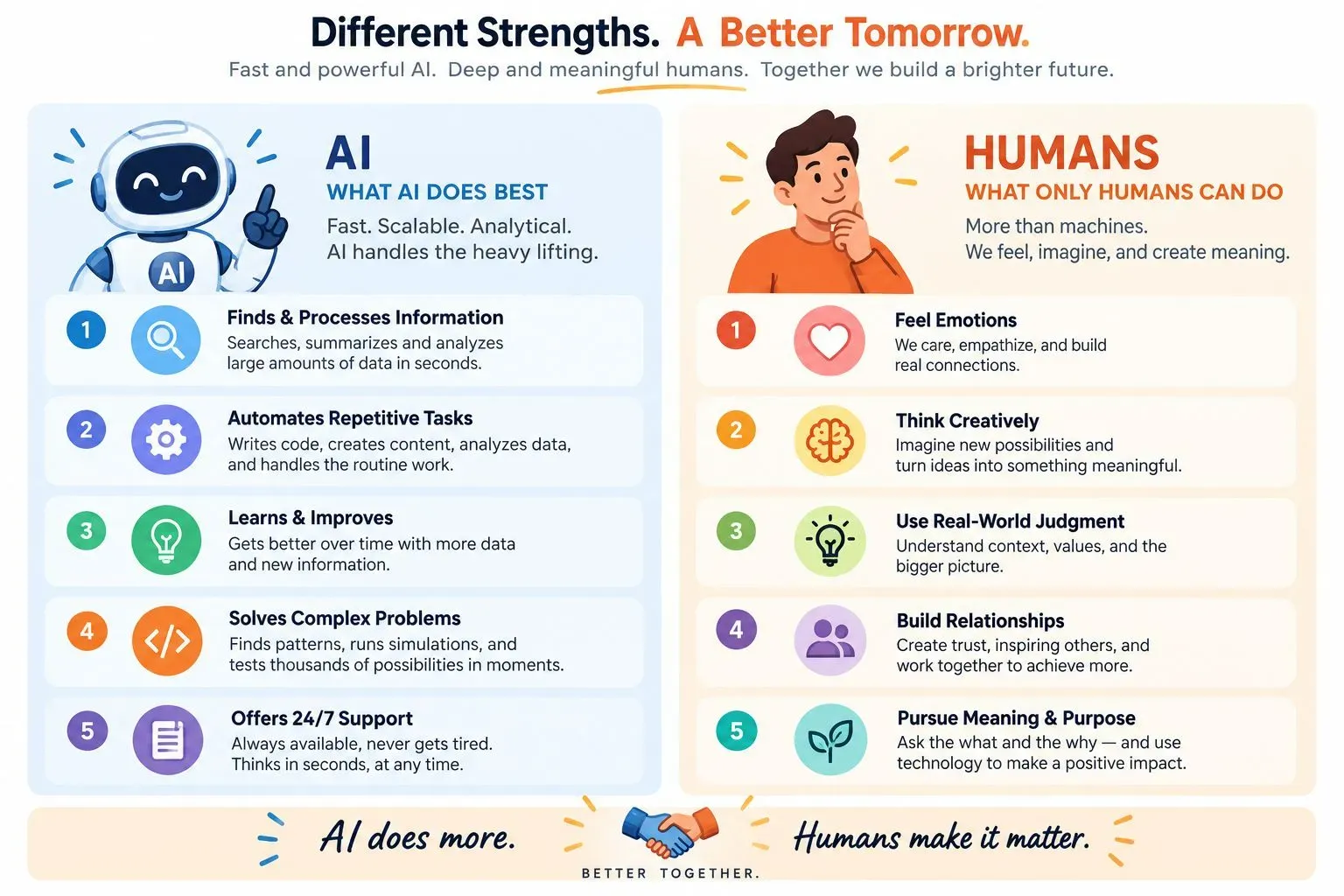
Here is a simple list of things AI fails at. These are your job security.
| AI Cannot Do This | Why It Fails |
|---|---|
| Read body language in a meeting | No physical sensors, no emotional context |
| Build trust with a nervous client | No empathy, no shared history |
| Make a tough moral decision | No personal values or conscience |
| Create a completely new category | It only remixes existing data |
| Handle a crisis with compassion | It follows scripts, not human instincts |
A 2025 survey from the World Economic Forum found that employers now rank creativity, empathy, and leadership as the top 3 skills they want. AI has zero of those. You have all of them.
The 5-Step Workflow to Stay Valuable
Here is a daily workflow that keeps you in control. Use this every day.
Step 1: Start with your own draft.
Write 10% of the content yourself. Do not paste a blank page into ChatGPT. Write your main point first.
Step 2: Ask AI to expand it.
Paste your draft and say: "Expand this into a 500-word post. Keep my tone." AI fills the gaps.
Step 3: Edit every sentence.
Change at least 5 words in every paragraph. Make it sound like you. Add your personal stories.
Step 4: Fact-check with your brain.
AI lies sometimes. In 2024, a lawyer used ChatGPT to write a legal brief. The AI invented fake cases. The lawyer got fined $5,000. Always verify numbers, dates, and names.
Step 5: Add your unique human touch.
End with a personal opinion, a joke, or a question. AI cannot do that. That moment of human connection is your signature.
The Silent Danger: Emotional Outsourcing
Here is a scary statistic. A 2025 survey by Resume.org asked 1,000 Gen Z workers about AI use. 76% used AI chatbots at work. But 43% said using AI reinforced their own bias. And 17% said AI made them less likely to take personal responsibility.
This is the trap. You start letting AI make small decisions. Then bigger ones. Before you know it, you are outsourcing your emotional intelligence. That is how you become replaceable.
Do not let AI make your people decisions. Do not let AI write your apology emails. Do not let AI decide how to treat your upset client. That is your job.
Real Example: The Email Test
Here is a test you can do right now.
- Open your email inbox.
- Pick a reply you need to send.
- Ask ChatGPT to draft it.
- Now rewrite it completely in your own words.
- Compare the two versions.
You will find your version has real personality. It has humor, warmth, or urgency. The AI version is safe and boring. That difference is your value.
FAQ: Your Questions About Using AI at Work
What is the safest way to use AI at work without getting replaced?
How does AI actually help me keep my job instead of losing it?
Why does emotional intelligence matter more than AI skills in 2026?
When did companies start using AI in everyday business operations?
Which human skills should I sharpen to stay irreplaceable?
Final Action for You: Here is your one task for today. Pick one repetitive task you do every morning. Drafting emails, checking reports, or summarizing data. Use one AI tool for that task only. But set a rule: you must manually edit every output before hitting send.
Do this for 7 days. On day 8, check your time saved. Then check your quality. You will see that you saved time but kept your voice. That is how you win with AI.
Your job is safe if you stay human.

Leave a Comment
Your comment is completely private and secure. We never publish comments publicly on our website. Your message will be sent directly to our team.